What Is a Scraping Browser? A Plain-English Guide
A scraping browser is a browser built to collect web data automatically. Here's what that means, how it works, and whether you actually need one.
 CollinFounder, Browzey5 min read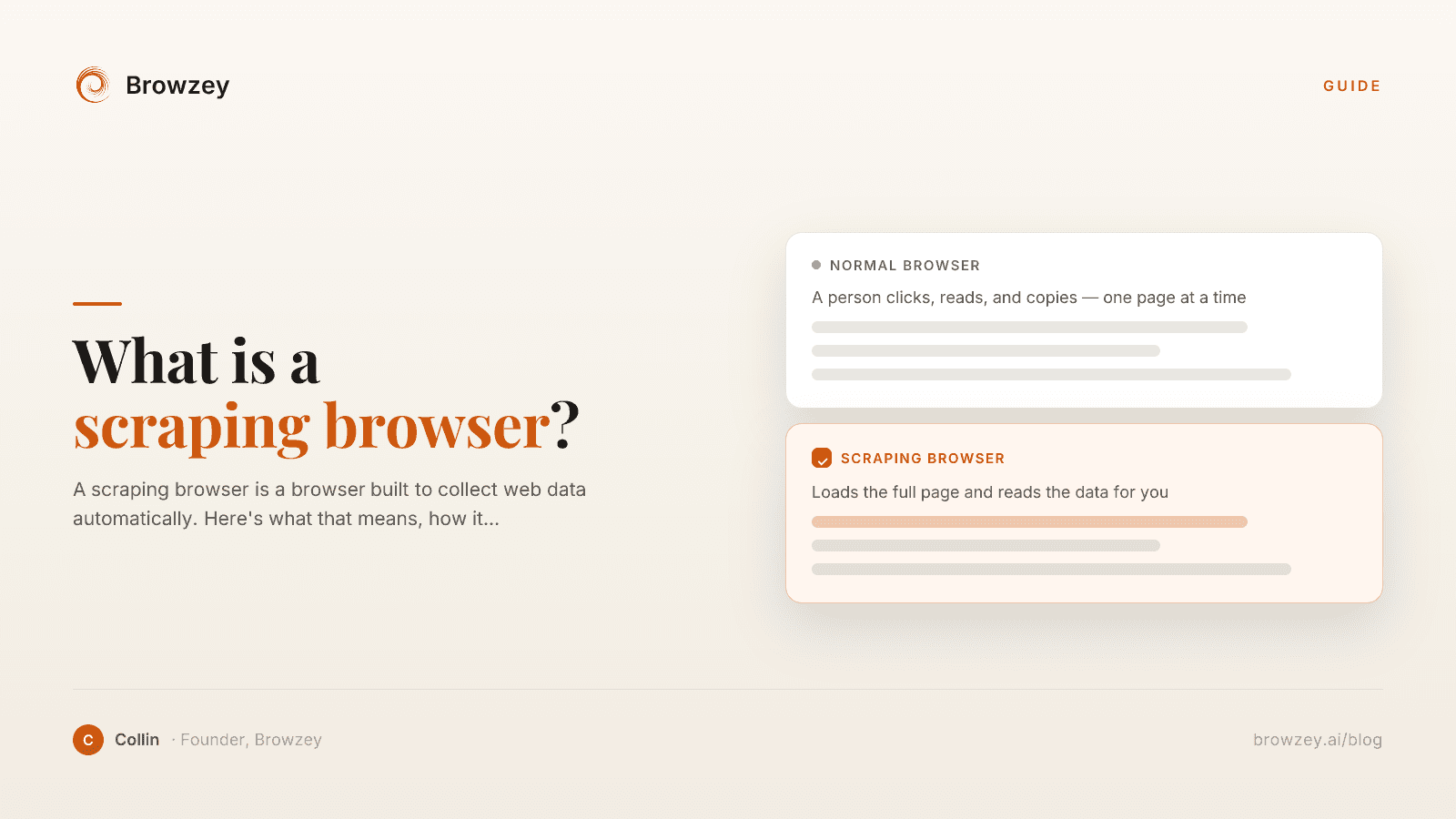
On this page
How I ran into this
I found a page full of leads I needed. A whole directory, hundreds of rows, and I figured there had to be a faster way than copying it by hand.
So I tried the usual stuff. An extension, a copy-table tool, a spreadsheet import. On a simple old page it worked fine.
Then I pointed it at a real site. The kind that loads more results as you scroll, hides things behind a "load more" button, changes its layout every time you visit. It came back with half the data. Sometimes the wrong data. Sometimes nothing.
That's the gap. Some sites are easy to read, some fight back, and scraping browsers exist because of that second kind.
So what is a scraping browser?
It's a browser, except a program drives it instead of a person. It loads a page for real, then reads what's actually there, and does that over and over without anyone clicking.
The word that matters is browser. A basic scraper just grabs the raw HTML a site hands over and tries to pull data out of that. A scraping browser opens the page for real first, the same way Chrome does when you visit, so the content is actually on screen before it reads anything.
Why the simple tools fall apart
The cheap way to scrape is to fetch the raw HTML at a URL and read it. Fast, simple, basically free. The problem is modern sites don't ship a finished page anymore. They ship a near-empty shell plus a pile of JavaScript, and that JavaScript builds the real page in your browser after it loads. Products, prices, posts, search results, all of it shows up a beat later.
A raw-HTML scraper sees the empty shell and stops. It never runs the JavaScript, so it never sees the thing you wanted. Single-page apps and anything that loads as you scroll are the worst offenders.
A scraping browser gets around that by being an actual browser. It runs the JavaScript and waits for the content to land, so it ends up looking at the finished page instead of the scaffolding.
What it's actually doing
A scraping browser does a handful of pretty human things, just on autopilot:
- It renders the whole page, so the JavaScript-loaded content shows up.
- It behaves like a visitor, scrolling and waiting for things to load.
- It tries to look human, since a lot of sites block obvious bots by checking fingerprints and headers.
- The better ones deal with the junk in the way, like cookie banners and the occasional CAPTCHA.
The payoff is structured data coming out the other end, rows and fields instead of a wall of HTML. That's why people reach for these, mostly for things like price monitoring or pulling a pile of leads into a sheet.
Scraping browser, web scraping, browser automation
These three get used like they mean the same thing, and they don't.
Web scraping is reading websites to get data off them. Browser automation is using websites, doing the clicking and form-filling a person would do. A scraping browser sits where those two meet. It's a browser, automated, aimed at collecting data. If you want the longer breakdown, I wrote one on web scraping versus browser automation, and a separate primer on what browser automation is.
Most scraping browsers are built for developers
Most of the well-known scraping browsers are infrastructure for engineers.
You connect to them in code, usually through a library like Playwright or Puppeteer, write a script that spells out exactly what to grab, and then babysit that script over time. Great if you have a developer and a big, ongoing data pipeline. Useless if you're a founder who needs a list of contacts off a directory before lunch.
And there's a quieter cost. Those scripts point at specific spots on a page, so the day the site changes its layout, the script breaks and someone technical has to go fix it. I've watched that loop eat whole afternoons. It's the same brittleness I dug into when I wrote about auto-heal.
What we built instead
We kept watching capable people lose hours to work a browser could do on its own, so we built Browzey for the people who were never going to open a Puppeteer script.
Browzey requires no code. Anyone who can describe a task in a sentence can automate it, and the same workflow keeps working when a site's layout changes. You tell it what you're after in plain English, it reads the live page the way you would, and it works down the list for you. It runs inside the Chrome you're already signed into, so the sites you can normally see, it can normally read, with no separate scraping setup to stand up. Some jobs are already done for you in our free tools if you'd rather not build anything at all.
We're not going to pretend it replaces a hardened cloud pipeline running millions of requests a day. It doesn't. It replaces the copy-paste afternoon, which is the thing most people actually have.
Who actually needs one
If you're an engineering team hammering sites that actively fight back, at huge volume, a dedicated cloud scraping browser is the right call, and you'll want a developer on it.
If you're a founder or someone in ops who just needs real data off real websites without learning to code or babysitting scripts, the heavy infrastructure is overkill. You need something that reads the page like you would and does the clicking for you.
Most people are in that second group. So was I, which is the whole reason Browzey exists. The copying-by-hand part, at least, you can stop doing today.
FAQ
What is a scraping browser in simple terms?
It's a browser that visits websites and reads their data on its own, instead of a person clicking around. Because it loads each page fully, it can collect information from modern sites that build their content as the page loads.
What is the difference between a scraping browser and web scraping?
Web scraping is the goal: getting data off websites. A scraping browser is one tool for doing it, a real browser that fully renders a page so it can read content a basic HTML scraper would miss.
Do I need a scraping browser if I am not a developer?
Usually no. Most scraping browsers are built for engineers and require code. If you're non-technical, an AI browser agent that runs inside your own browser can get the same data without scripts.
Is using a scraping browser legal?
Collecting public data is generally allowed, but it depends on the site's terms, the type of data, and your location. Avoid personal data and logged-in areas, and check a site's terms before collecting at scale.
Further reading
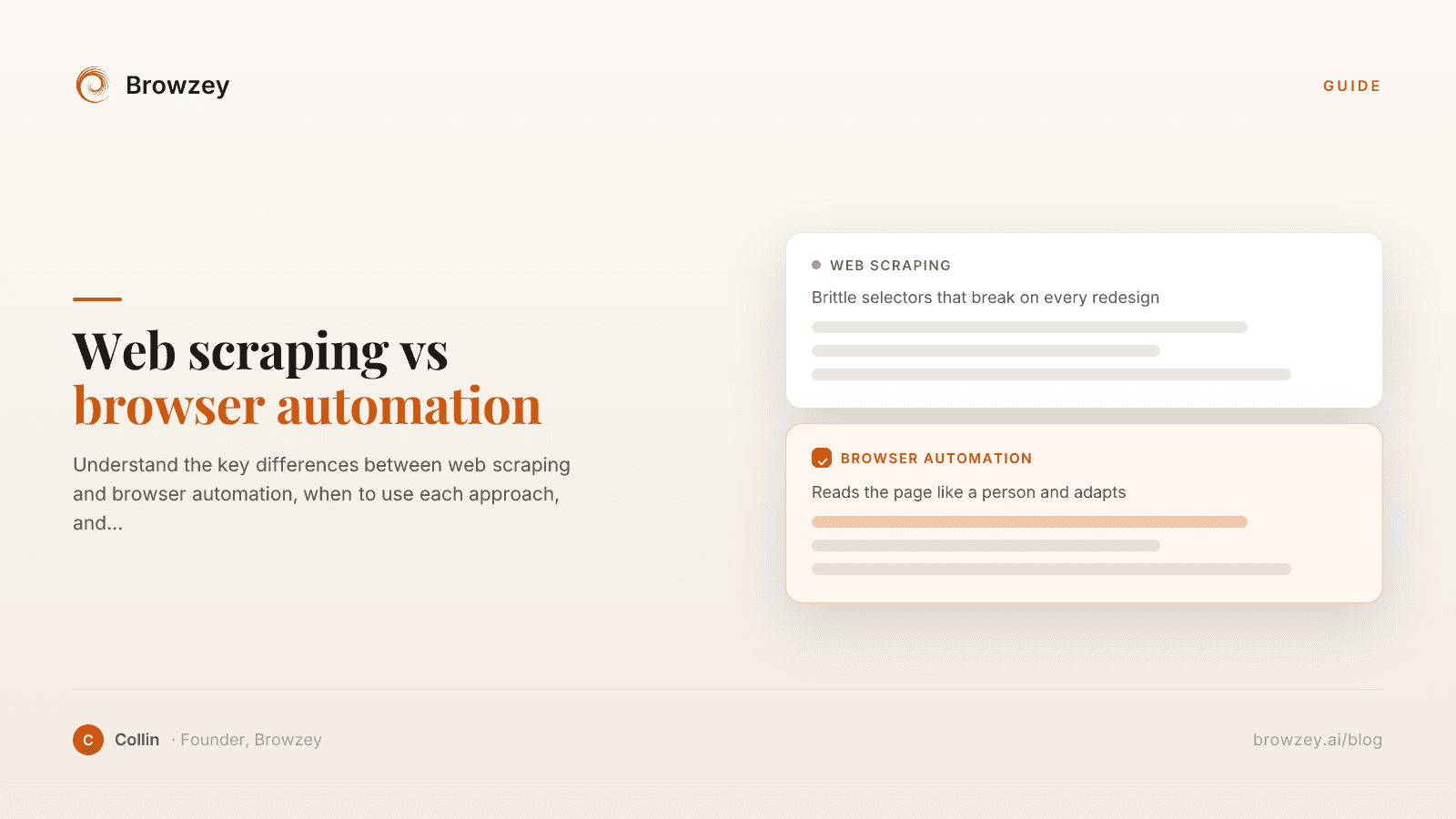
Web Scraping vs Browser Automation: Key Differences
Understand the key differences between web scraping and browser automation, when to use each approach, and how they can work together.
January 23, 2025
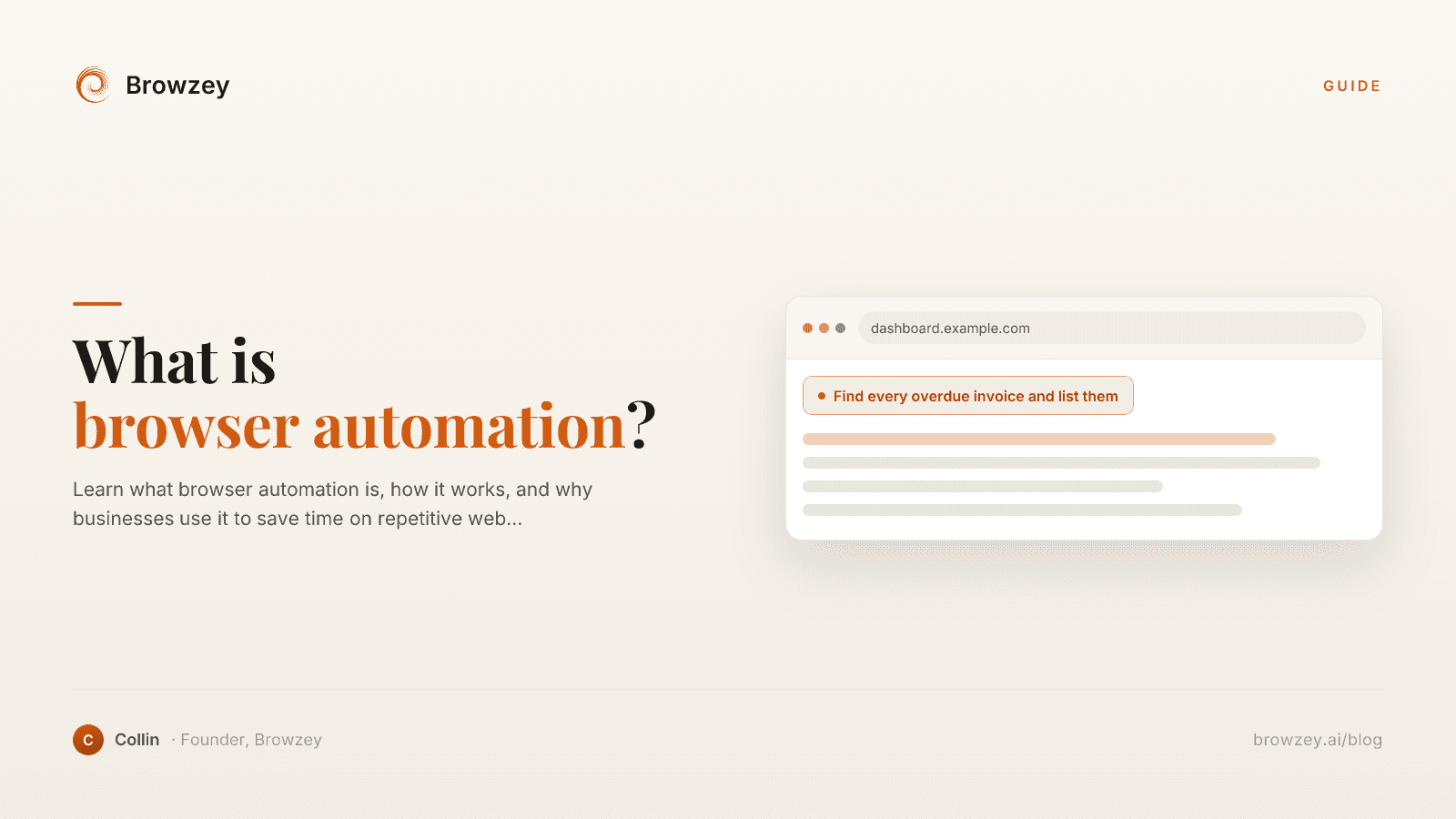
What is Browser Automation? A Complete Beginner's Guide
Learn what browser automation is, how it works, and why businesses use it to save time on repetitive web tasks. A comprehensive guide for beginners.
January 26, 2025
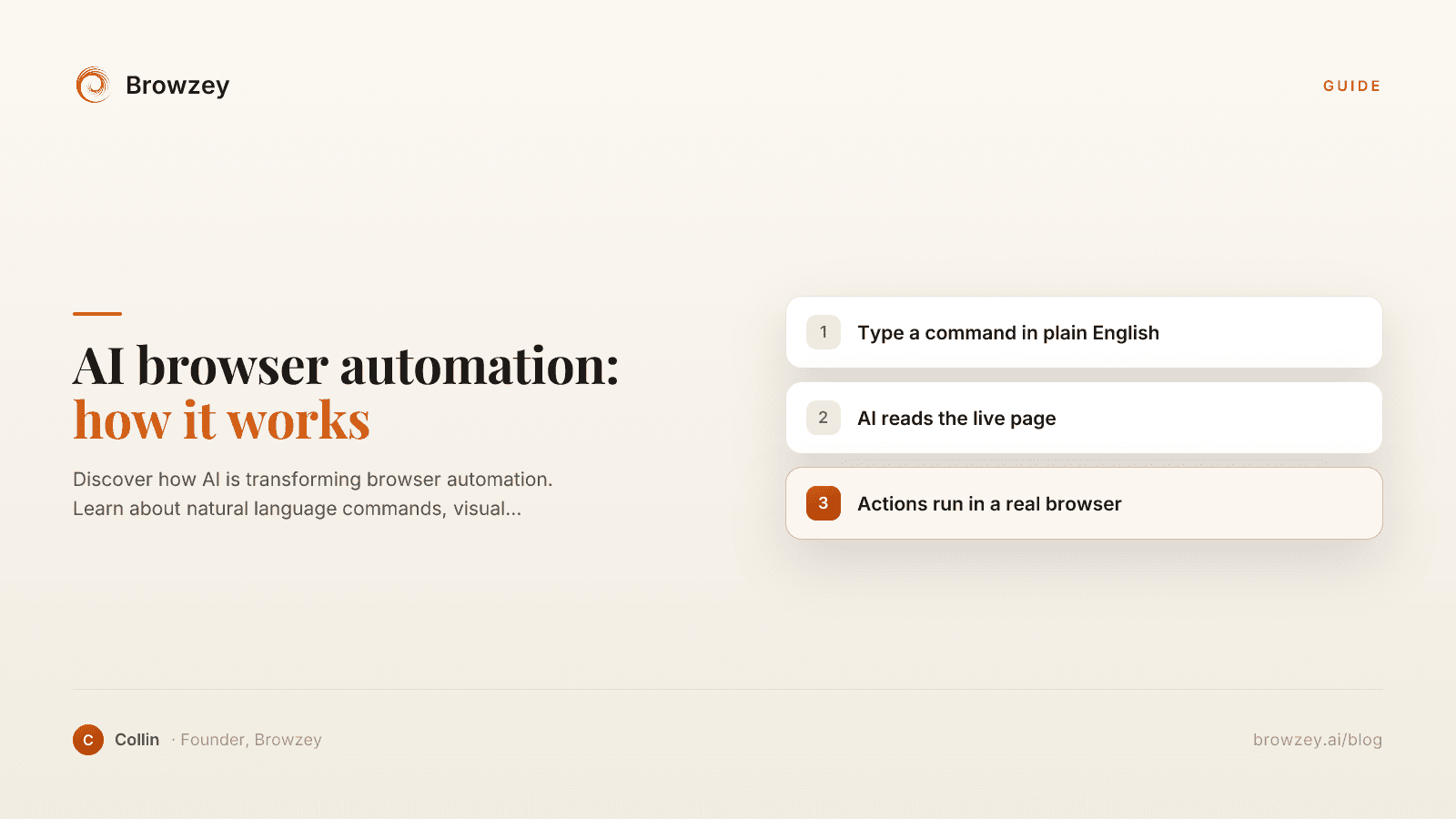
AI Browser Automation: How It Works
Discover how AI is transforming browser automation. Learn about natural language commands, visual understanding, and the future of web task automation.
January 22, 2025