Web Scraping vs Browser Automation: Key Differences
Understand the key differences between web scraping and browser automation, when to use each approach, and how they can work together.
 CollinFounder, Browzey7 min read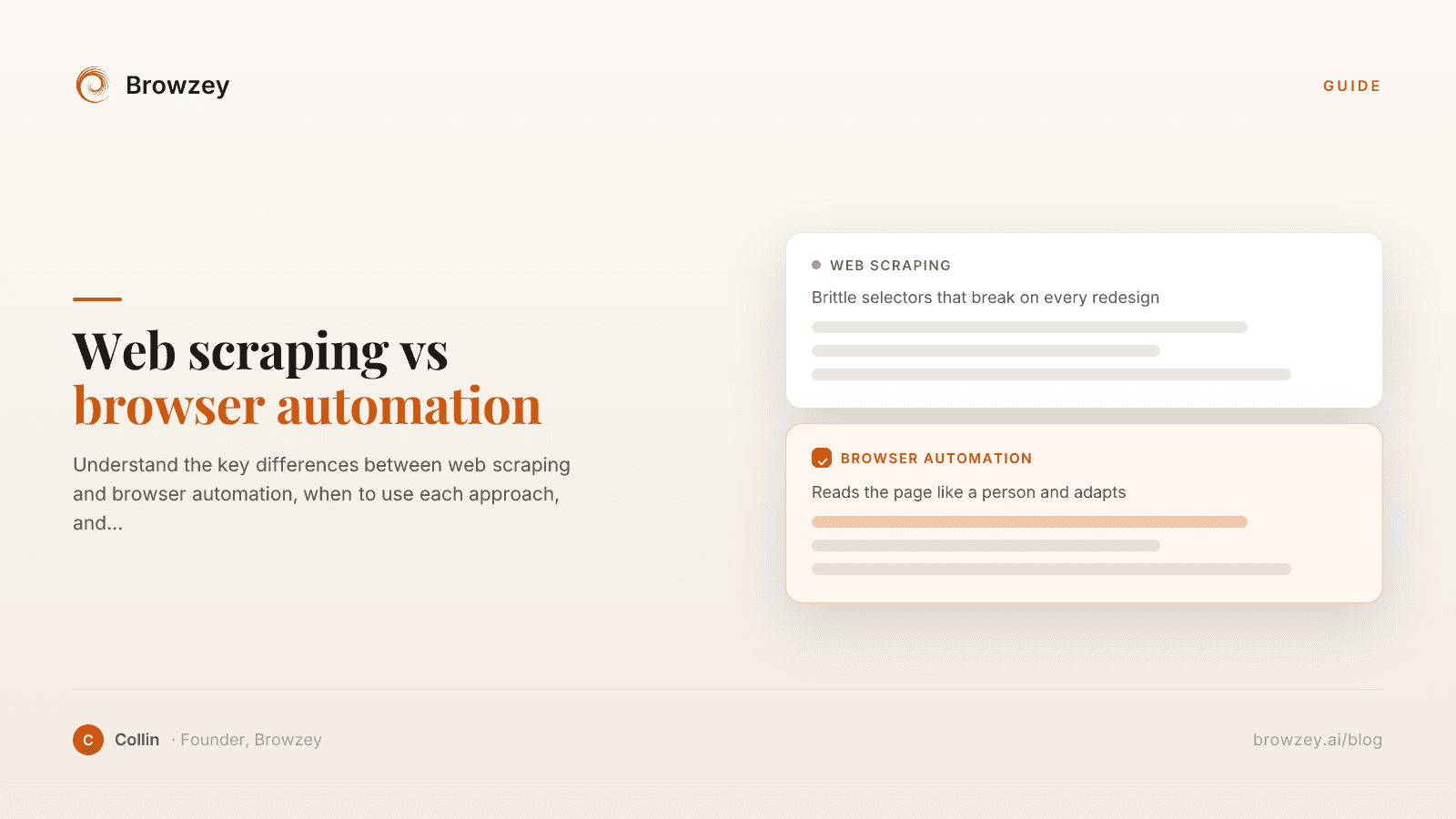
On this page
- Quick Definition
- How Web Scraping Works
- How Browser Automation Works
- Key Differences
- When to Use Web Scraping
- You only need data extraction
- Speed and scale matter
- Pages are static HTML
- Resources are limited
- Example use cases:
- When to Use Browser Automation
- You need to interact with websites
- JavaScript renders the content
- Authentication is required
- You need to simulate real users
- Example use cases:
- The Overlap: Scraping with Browser Automation
- Choosing the Right Approach
- Start with these questions:
- Decision matrix:
- Combining Both Approaches
- Tools Comparison
- Traditional Scraping Tools
- Browser Automation Tools
- No-Code Solutions
- Legal and Ethical Considerations
- Respect robots.txt
- Check terms of service
- Rate limit your requests
- Don't access private data
- Consider GDPR and privacy laws
- The Future: AI-Powered Automation
Web scraping and browser automation are often mentioned together, sometimes interchangeably. While they overlap in some use cases, they're fundamentally different approaches to interacting with websites. Understanding the distinction helps you choose the right tool for your needs.
Quick Definition
Web Scraping is the process of extracting data from websites. The goal is to get information—text, images, links, structured data—from web pages and store it for analysis or use elsewhere.
Browser Automation is the process of controlling a web browser programmatically. The goal is to perform actions—clicking buttons, filling forms, navigating pages—just like a human user would.
Think of it this way: scraping is about reading websites, automation is about using websites.
How Web Scraping Works
Web scrapers typically:
- Send HTTP requests directly to web servers
- Receive HTML responses (the raw page code)
- Parse the HTML to find specific data
- Extract and store the relevant information
# Simple web scraping example
import requests
from bs4 import BeautifulSoup

response = requests.get('https://example.com')
soup = BeautifulSoup(response.text, 'html.parser')
titles = soup.find_all('h2')
This approach is fast and lightweight because it skips the overhead of rendering pages in a real browser.
How Browser Automation Works
Browser automation tools:
- Launch a real browser (Chrome, Firefox, etc.)
- Navigate to pages by loading complete websites
- Interact with elements using clicks, keystrokes, scrolls
- Execute JavaScript just like a regular user
- Extract data or perform actions based on the rendered page
// Browser automation example
const browser = await playwright.chromium.launch();
const page = await browser.newPage();
await page.goto('https://example.com');
await page.click('button#submit');
const text = await page.textContent('.result');
This approach handles modern, JavaScript-heavy websites that require a real browser environment.
Key Differences
| Aspect | Web Scraping | Browser Automation |
|---|---|---|
| Primary Goal | Extract data | Perform actions |
| Speed | Very fast | Slower (real browser) |
| Resource Usage | Low | High (browser memory) |
| JavaScript Support | Limited | Full |
| Login Sessions | Complex to handle | Natural handling |
| Interaction | Read-only | Full interaction |
| Detection | Easier to detect | Harder to detect |
When to Use Web Scraping
Choose scraping when:
You only need data extraction
If your goal is purely to collect information—product prices, article content, public records—scraping is efficient.
Speed and scale matter
Need to process thousands of pages quickly? Scraping can handle massive volumes because it skips browser overhead.
Pages are static HTML
Simple websites that don't rely heavily on JavaScript can be scraped directly without needing a browser.
Resources are limited
Scraping uses far less memory and CPU than running actual browsers.
Example use cases:
- Price comparison across e-commerce sites
- News aggregation from multiple sources
- Research data collection from public databases
- SEO analysis of competitor websites
- Market research from industry reports
When to Use Browser Automation
Choose automation when:
You need to interact with websites
Clicking buttons, submitting forms, navigating multi-step processes—these require browser automation.
JavaScript renders the content
Modern single-page applications (SPAs) load content dynamically. Without a browser to execute JavaScript, you can't access the data.
Authentication is required
Handling login flows, maintaining sessions, and navigating authenticated areas is natural with browser automation.
You need to simulate real users
Testing applications, filling out forms, or performing actions that affect website state require automation.
Example use cases:
- Automated form submissions
- Social media posting
- Application testing
- Report generation from dashboards
- Multi-step workflow automation
- Screenshot capture
The Overlap: Scraping with Browser Automation
Here's where it gets interesting: browser automation can also scrape data. When a website is too complex for traditional scraping—heavy JavaScript, anti-bot measures, dynamic content—you can use browser automation tools to:
- Load the page in a real browser
- Wait for JavaScript to render content
- Extract data from the fully rendered page
This is often called "dynamic scraping" or "headless browser scraping."
// Using browser automation for scraping
const page = await browser.newPage();
await page.goto('https://spa-website.com');
await page.waitForSelector('.dynamic-content');
const data = await page.$$eval('.item', items =>
  items.map(item => item.textContent)
);
Choosing the Right Approach
Use this decision framework:
Start with these questions:
- What's my goal? Data only vs. taking actions
- How is the site built? Static HTML vs. JavaScript-heavy
- Do I need to log in? Public data vs. authenticated content
- What's my scale? Dozens of pages vs. millions
- What's my timeline? Quick extraction vs. ongoing automation
Decision matrix:
| Scenario | Recommendation |
|---|---|
| Extract product prices from static site | Web scraping |
| Fill out forms across multiple sites | Browser automation |
| Monitor JavaScript dashboard for changes | Browser automation |
| Collect public data at massive scale | Web scraping |
| Test your web application | Browser automation |
| Extract data from React/Vue/Angular apps | Browser automation |
| Archive static web content | Web scraping |
| Automate repetitive admin tasks | Browser automation |
Combining Both Approaches
The most powerful solutions often combine both:
- Use scraping for discovery - Quickly identify which pages need attention
- Use automation for interaction - Handle complex pages and actions
- Use scraping for bulk extraction - Process large volumes efficiently
- Use automation for verification - Confirm results in real browser context
Tools Comparison
Traditional Scraping Tools
- BeautifulSoup (Python) - Parse HTML/XML documents
- Scrapy (Python) - Full-featured scraping framework
- Cheerio (Node.js) - Server-side HTML parsing
- Puppeteer - Can scrape but is primarily for automation
Browser Automation Tools
- Playwright - Microsoft's cross-browser automation
- Puppeteer - Chrome/Chromium automation
- Selenium - Original browser automation framework
- Cypress - Testing-focused automation
No-Code Solutions
Tools like Browzey combine the power of browser automation with the ease of natural language commands. Instead of choosing between scraping and automation, describe what you need:
"Go to this website, log in with these credentials, navigate to the reports section, and download all PDFs from the last month"
The AI determines the right approach automatically.
Legal and Ethical Considerations
Both scraping and automation exist in a legal gray area. Key principles:
Respect robots.txt
This file indicates what automated access is permitted.
Check terms of service
Many sites explicitly prohibit automated access in their ToS.
Rate limit your requests
Don't overwhelm servers with too many requests.
Don't access private data
Stick to publicly available information.
Consider GDPR and privacy laws
Personal data has additional protections in many jurisdictions.
For a hands-on comparison, try extracting data from a page using our webpage to JSON tool or email extractor — no code required.
The Future: AI-Powered Automation
The line between scraping and automation is blurring. Modern AI-powered tools can:
- Understand page context without explicit selectors
- Adapt to website changes automatically
- Handle both data extraction and actions in one workflow
- Operate using natural language instructions
This means less time choosing between approaches and more time getting work done.
Need to extract data, automate actions, or both? Browzey handles the complexity so you can focus on results. Describe your task in plain English and let AI figure out the best approach.
Recommended Tools
Further reading
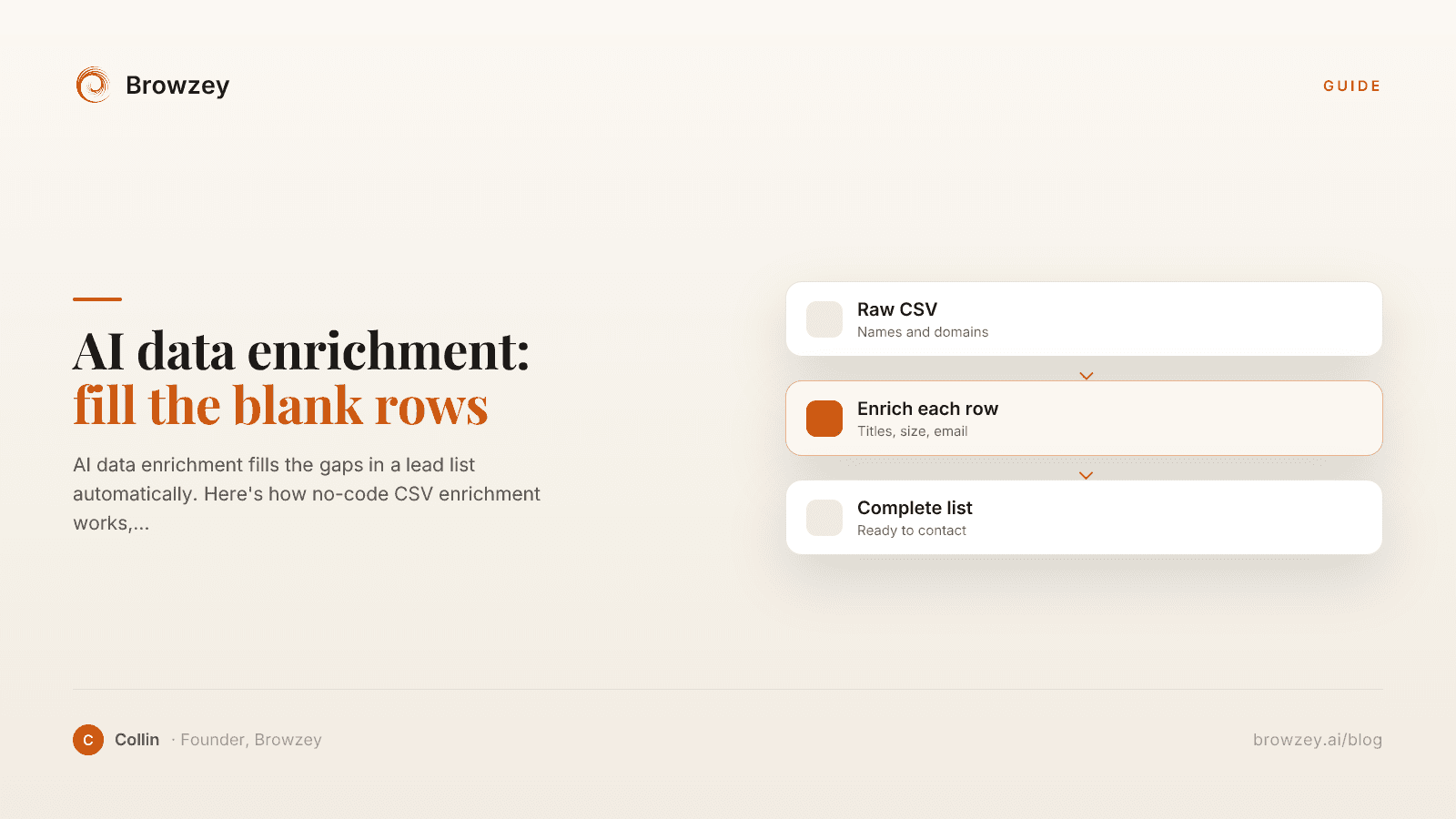
AI data enrichment: how to enrich a CSV of leads
AI data enrichment fills the gaps in a lead list automatically. Here's how no-code CSV enrichment works, where database tools quietly fail, and how to fix it.
July 2, 2026
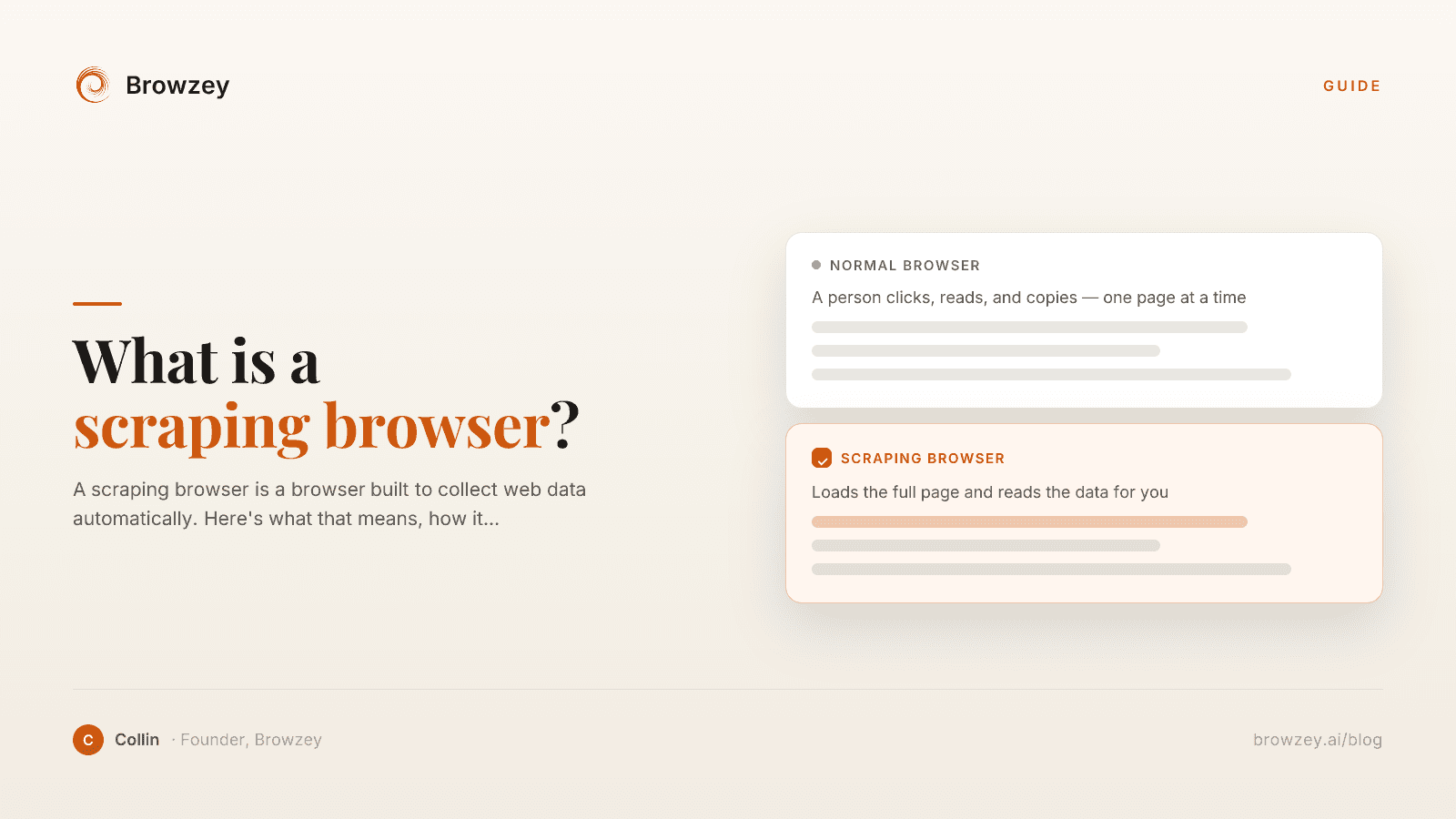
What Is a Scraping Browser? A Plain-English Guide
A scraping browser is a browser built to collect web data automatically. Here's what that means, how it works, and whether you actually need one.
June 20, 2026
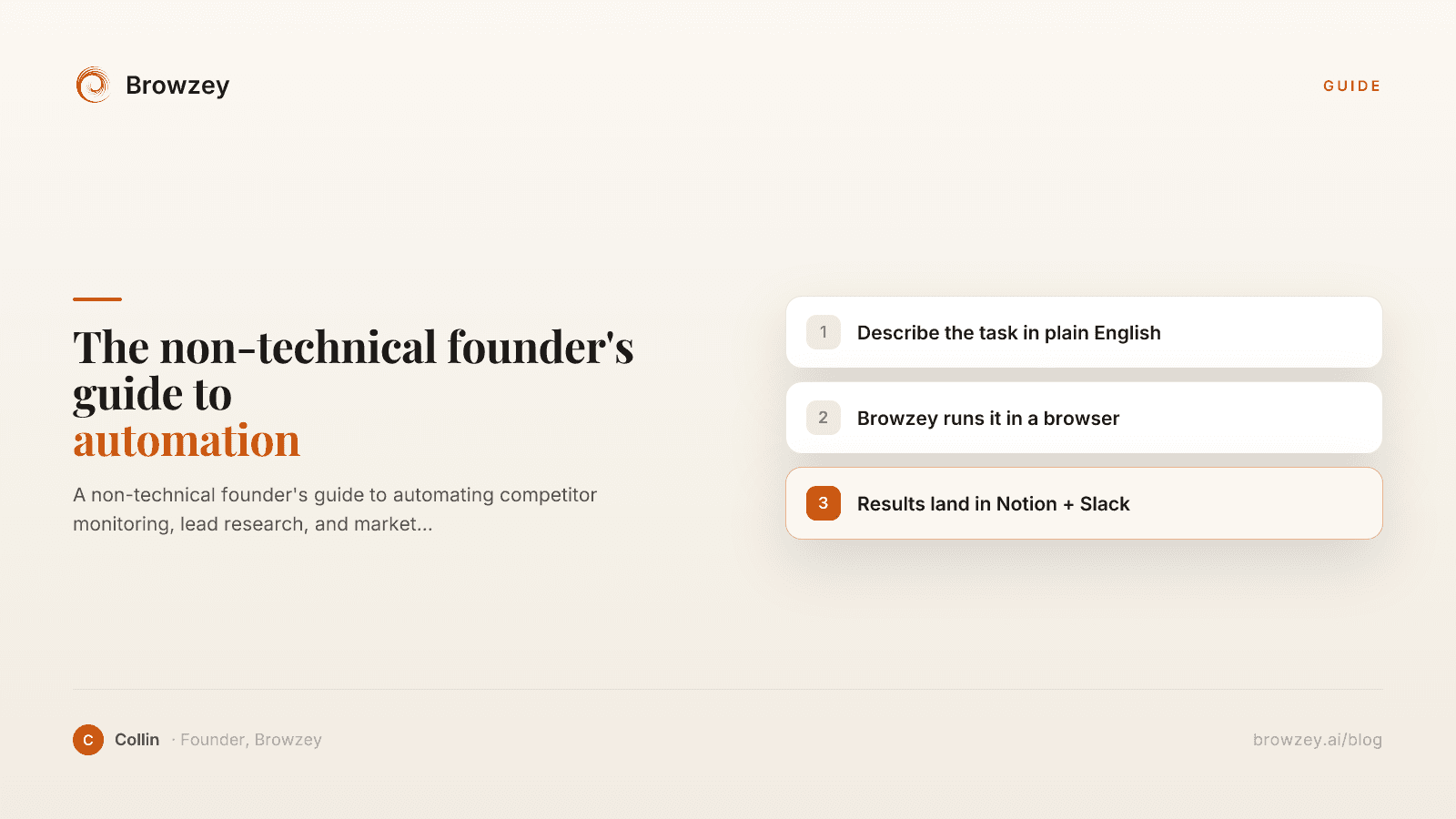
The Non-Technical Founder's Guide to Browser Automation in 2026
A non-technical founder's guide to automating competitor monitoring, lead research, and market intelligence with Browzey, Notion, and Slack — no code.
May 1, 2026
On this page
- Quick Definition
- How Web Scraping Works
- How Browser Automation Works
- Key Differences
- When to Use Web Scraping
- You only need data extraction
- Speed and scale matter
- Pages are static HTML
- Resources are limited
- Example use cases:
- When to Use Browser Automation
- You need to interact with websites
- JavaScript renders the content
- Authentication is required
- You need to simulate real users
- Example use cases:
- The Overlap: Scraping with Browser Automation
- Choosing the Right Approach
- Start with these questions:
- Decision matrix:
- Combining Both Approaches
- Tools Comparison
- Traditional Scraping Tools
- Browser Automation Tools
- No-Code Solutions
- Legal and Ethical Considerations
- Respect robots.txt
- Check terms of service
- Rate limit your requests
- Don't access private data
- Consider GDPR and privacy laws
- The Future: AI-Powered Automation