Selenium alternatives: the no-code ones and the dev ones
The best Selenium alternative depends on whether you write code. Here's the honest split: dev frameworks like Playwright, low-code QA tools, and the no-code option the lists skip.
 CollinFounder, Browzey6 min read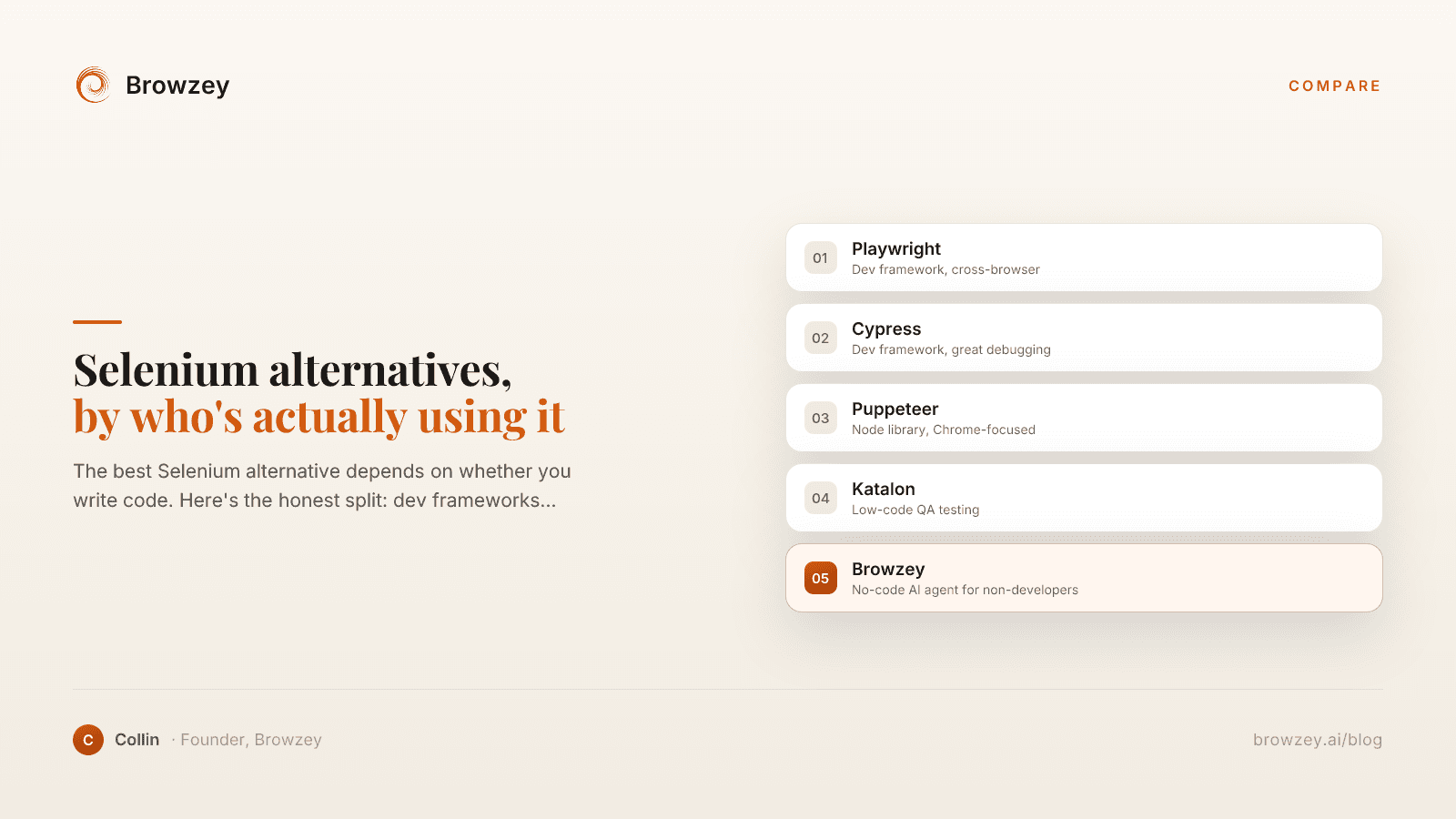
On this page
- Why I went looking for a Selenium alternative
- The two reasons people search "Selenium alternative"
- If you write code: the developer frameworks
- Playwright
- Cypress
- Puppeteer and WebdriverIO
- If you want low-code: the QA testing tools
- The alternative the lists skip: don't automate tests, automate the task
- How to pick, fast
Why I went looking for a Selenium alternative
The first time I tried to automate something in a browser, someone told me to just use Selenium. I had a simple goal. Open a site, pull a list, do the same thing again tomorrow without me sitting there clicking. An afternoon later I had a Python file, a WebDriver install, a version mismatch between Chrome and the driver, and exactly zero rows of data.
Selenium can do the thing. That was never the question. The question was whether I wanted to become a programmer to get one repetitive task off my plate, and the honest answer was no. So I went looking for a Selenium alternative, and the first thing I learned is that there isn't one answer. There are two completely different people typing that search, and they need opposite things.
The two reasons people search "Selenium alternative"
Selenium is a browser automation framework you drive with code. You write a script in Python, Java, or JavaScript, it talks to the browser through WebDriver, and it replays the steps you programmed. That's the whole shape of it, and it explains why the search splits.
The first group is developers and QA engineers who already write Selenium tests and want something faster, less flaky, or easier to debug. For them, the answer really is another framework.
The second group is people who aren't developers. They got pointed at Selenium by a tutorial or a colleague, opened it, and found a programming library where they expected a tool. For this group, swapping in a different framework solves nothing. The fix isn't a better way to write code. It's not writing code at all.
Most "best Selenium alternatives" lists only serve the first group. If you're in the second one, keep reading past the developer picks, because the option that actually fits you is the one those lists leave off. If you want the wider picture first, here's what browser automation actually covers.
If you write code: the developer frameworks
These are genuine Selenium replacements for people who are comfortable in a codebase. If that's you, one of these is probably your move.
Playwright
Playwright is Microsoft's framework and it's become the default recommendation for new test projects. It drives Chromium, Firefox, and WebKit through a single API, runs tests in parallel, and handles JavaScript-heavy apps more gracefully than Selenium does. It's open source and free, with no paid tier to use it. If you're starting a test suite today and you can code, this is the one I'd look at first.
Cypress
Cypress takes a different architectural bet: it runs inside the browser instead of driving it from the outside. That's why its debugging feels nicer, with time-travel snapshots and readable errors right in DevTools. The framework is free and open source; the dashboard and parallel cloud runs are a paid product. Developers who care most about a smooth local feedback loop tend to like it.
Puppeteer and WebdriverIO
Puppeteer is a Node library from the Chrome team, great if you're focused on Chrome and want low-level control for scraping, screenshots, or PDFs. WebdriverIO sits on the same WebDriver protocol Selenium uses but wraps it in a cleaner API. Both are solid. Both also assume you're writing and maintaining code, which is the exact thing the second group is trying to escape.
If you want low-code: the QA testing tools
There's a middle tier built for QA teams who'd rather not hand-write every test. These keep the testing frame but soften the code requirement.
Katalon (katalon.com) is built on top of Selenium and Appium and gives you a no-code interface for basic flows, though more complex scenarios still drop you into scripting. Rainforest QA and Testim go further toward plain-English, visual test building, using AI to generate and maintain tests from natural-language steps so a non-programmer can write and run a UI test.
If you run QA, these are worth a look. But notice what they still assume: that the thing you're automating is a test. You point them at your software, define expected behavior, and they check it. That's a real job, and it's the job these tools are good at.
The alternative the lists skip: don't automate tests, automate the task
Here's the part the comparison posts miss. A huge chunk of people who land on Selenium were never trying to test software. They wanted to fill out the same form every morning, pull a list off a site into a spreadsheet, or copy data from one tool into another. They reached for Selenium because it came up when they searched "automate a website," not because they wanted a testing framework.
If that's you, every option above is the wrong category. You don't want to test a site, you want to use it, over and over, without doing it by hand. I wrote a whole piece on where testing and scraping end and real browser automation begins if you want the longer version, but the short of it is: a test framework and a task automator are different tools wearing similar clothes.
This is the gap we built Browzey to fill. It's an AI browser agent: you describe what you want in plain language and it does it on the live site. Browzey requires no code. Anyone who can describe a task in a sentence can automate it, and the same workflow keeps working when a site's layout changes. Instead of you writing selectors that snap the moment a page shifts, it reads the live page the way a person would, decides the next action, and carries it out step by step. No selectors, scripts, or pre-recorded macros to maintain.
That last part matters more than it sounds. The reason non-developers give up on Selenium isn't the first script, it's the tenth time the script breaks because a button moved. A few common jobs are already done for you in our free tools if you'd rather not set anything up at all.
How to pick, fast
- You're a developer starting a test suite → Playwright.
- You're a developer who lives in the debugger → Cypress.
- You're Chrome-only or doing low-level work → Puppeteer or WebdriverIO.
- You run QA and want less code → Katalon or Rainforest QA.
- You're not a developer and you just want to automate a web task → an AI browser agent like Browzey.
The mistake I watched myself almost make was forcing a task-shaped problem into a testing-shaped tool. I was one tutorial away from spending a weekend learning Selenium to do something a browser agent does in a sentence. If your real job is "make the browser do the thing I keep doing by hand," skip the frameworks and try Browzey on the exact task that sent you searching.
If you want to see what that shift looks like before you commit, here's the non-technical founder's walkthrough.
FAQ
What is the best Selenium alternative in 2026?
It depends on who you are. Developers building test suites mostly move to Playwright for its speed and cross-browser support, or Cypress for its debugging experience. QA teams who want less code lean on Katalon or Rainforest QA. People who aren't developers and just want to automate a browser task are usually better served by an AI browser agent than by any testing framework.
Is there a no-code Selenium alternative?
Yes. For testing, tools like Rainforest QA and Katalon offer visual, low-code editors. But if your goal isn't testing software at all, just automating a repetitive web task, an AI browser agent lets you describe the task in plain English and runs it without any code or scripts to maintain.
Why do people look for a Selenium alternative?
The common reasons are that Selenium requires real coding skills, that setup involves WebDriver and version-matching headaches, that tests break when a site's layout changes, and that many people who land on Selenium didn't actually want a testing framework, they wanted to automate a task and assumed Selenium was a tool rather than a programming library.
What's the difference between Selenium and an AI browser agent?
Selenium is a code framework that replays scripted steps and selectors you write, mainly to test software. An AI browser agent reads the live page like a person, decides the next action, and carries out a goal you describe in plain language, with no code or selectors to maintain. One is for developers testing apps; the other is for anyone automating a task.
Further reading
What is Browser Automation? A Complete Beginner's Guide
Learn what browser automation is, how it works, and why businesses use it to save time on repetitive web tasks. A comprehensive guide for beginners.
January 26, 2025
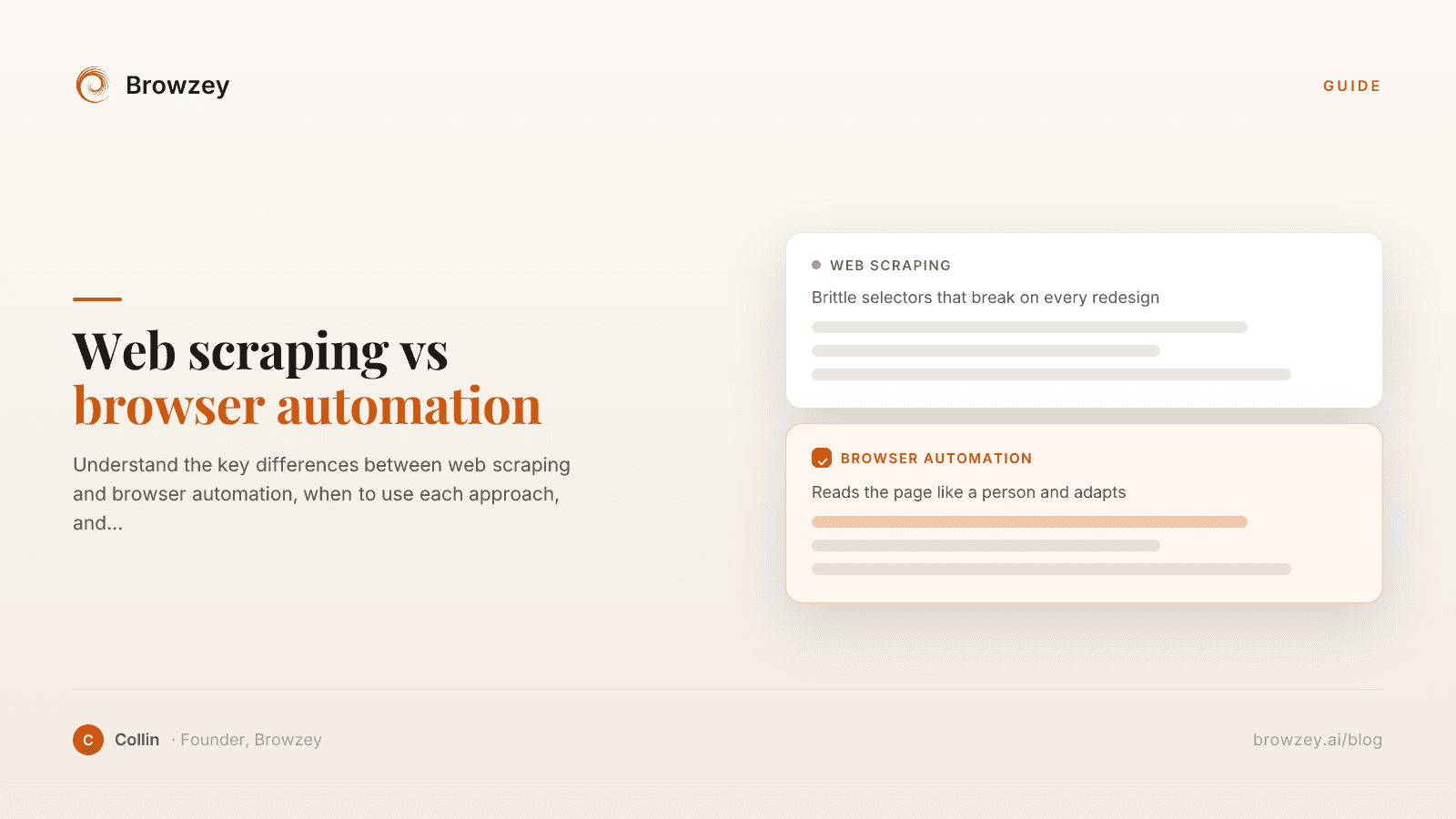
Web Scraping vs Browser Automation: Key Differences
Understand the key differences between web scraping and browser automation, when to use each approach, and how they can work together.
January 23, 2025
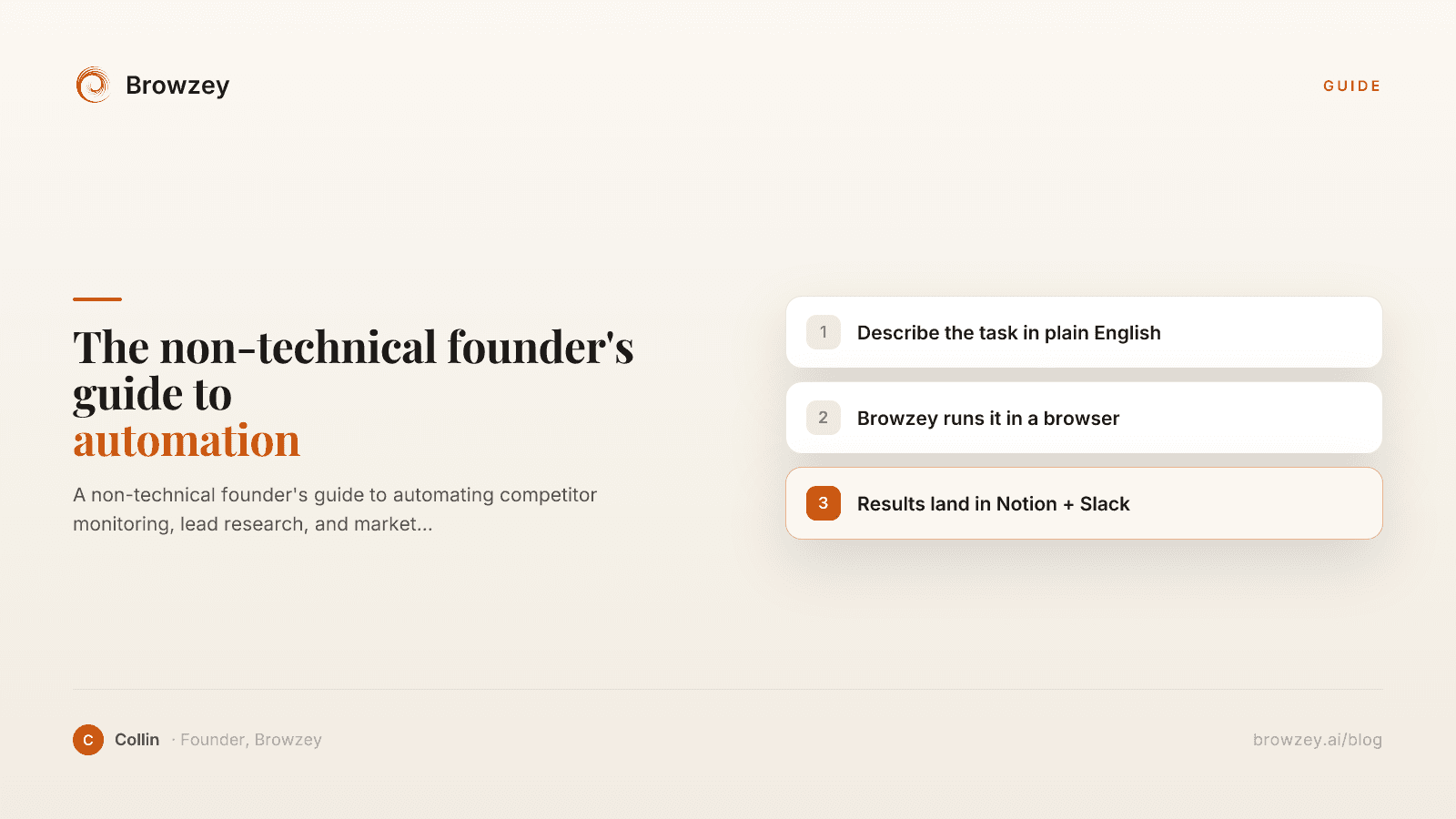
The Non-Technical Founder's Guide to Browser Automation in 2026
A non-technical founder's guide to automating competitor monitoring, lead research, and market intelligence with Browzey, Notion, and Slack — no code.
May 1, 2026
On this page
- Why I went looking for a Selenium alternative
- The two reasons people search "Selenium alternative"
- If you write code: the developer frameworks
- Playwright
- Cypress
- Puppeteer and WebdriverIO
- If you want low-code: the QA testing tools
- The alternative the lists skip: don't automate tests, automate the task
- How to pick, fast