The Non-Technical Founder's Guide to Browser Automation in 2026
A non-technical founder's guide to automating competitor monitoring, lead research, and market intelligence with Browzey, Notion, and Slack — no code.
 CollinFounder, Browzey11 min read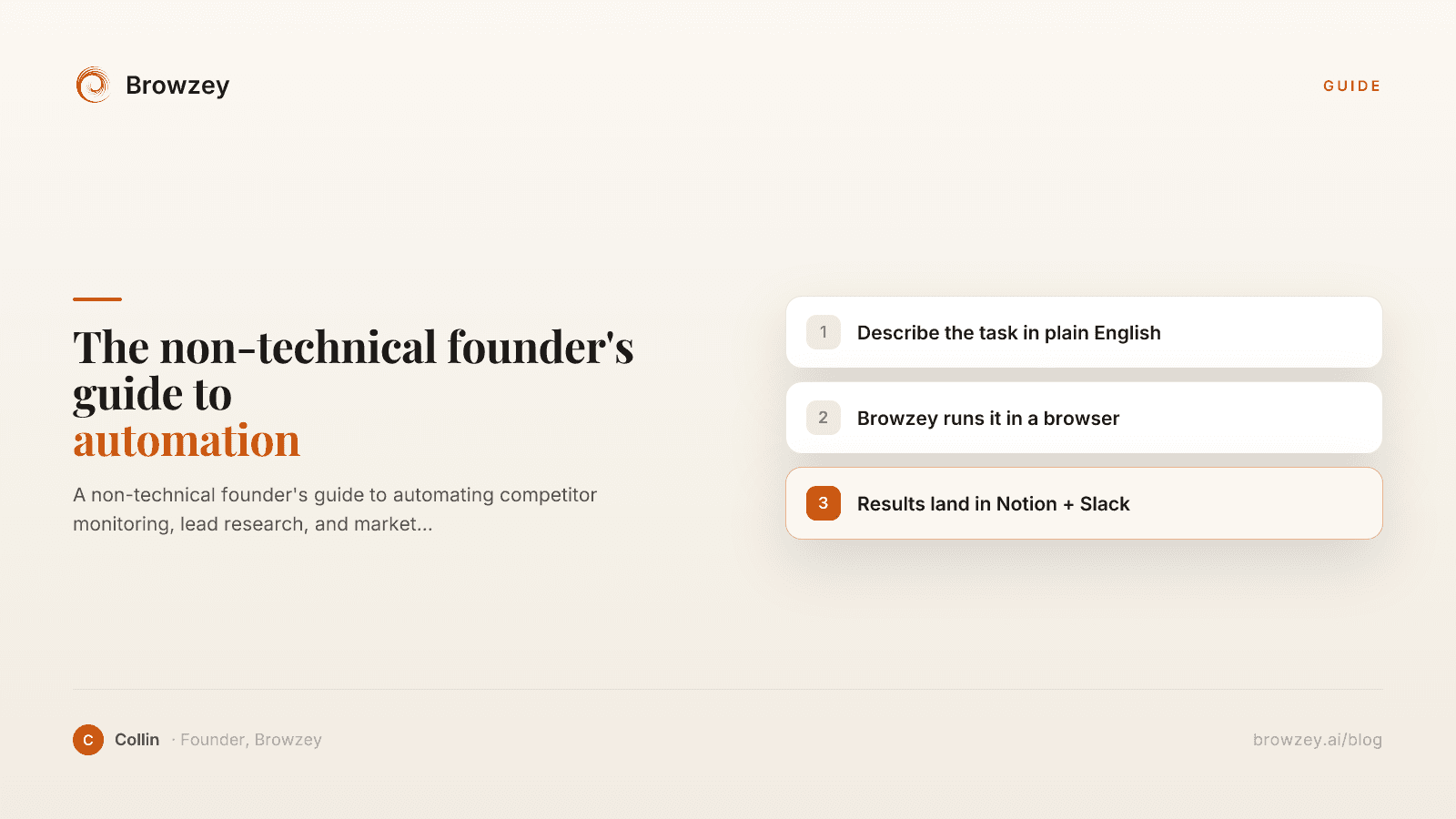
On this page
- You Do Not Need to Code to Compete
- What Browser Automation Actually Is (And Is Not)
- The Problem Is Not Complexity. It Is Access.
- Browzey as Your Starting Point
- The Recommended Starter Stack
- 1. Browzey (Web Extraction and Automation)
- 2. Notion (Knowledge Base)
- 3. Slack (Alerts)
- What to Automate First
- Start With: Competitor Pricing
- Second: LinkedIn Lead List
- Third: Weekly News Digest
- How Browzey Compares to Bardeen and Browse AI
- Bardeen
- Browse AI
- Where Browzey Fits
- Where to Go From Here
You Do Not Need to Code to Compete
There is a quiet tax that every non-technical founder pays, and nobody talks about it openly.
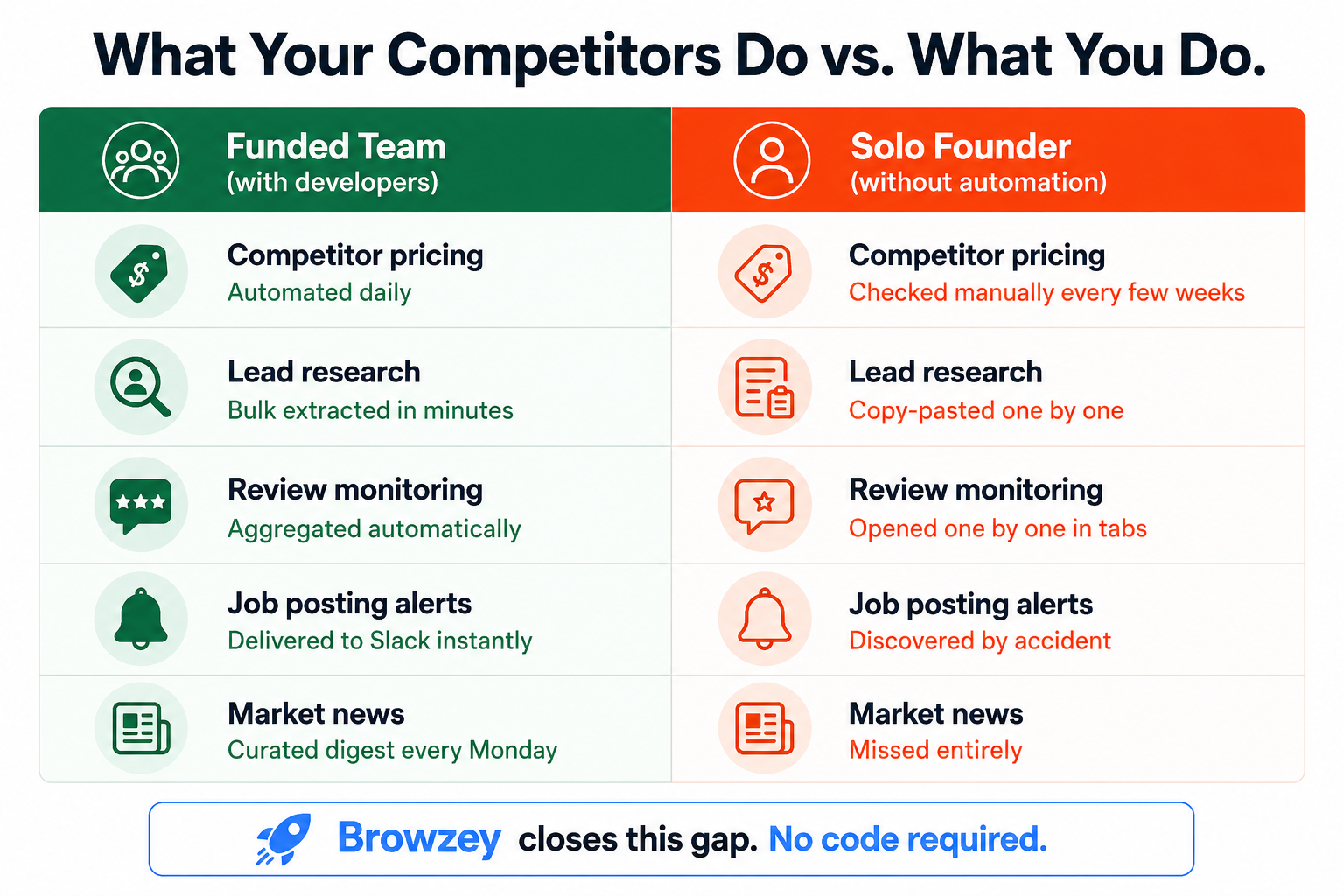
Your developer-backed competitors are running automated scripts to pull competitor pricing every morning. Their lead lists refresh automatically. Their sales teams get Slack alerts the moment a target company posts a job. You, meanwhile, are doing all of that by hand, in browser tabs, after 10 PM.
The gap is not about money. Most of the tools that power these workflows are affordable or even free. The gap is about access. Browser automation has historically required either coding skills or a developer on retainer. For a solo founder or a bootstrapped SaaS team, neither is realistic.
That changed in 2026. Plain-English browser agents now let anyone describe a task and watch it run. This guide is for founders who want to close that gap today, without writing a single line of code.
What Browser Automation Actually Is (And Is Not)
Browser automation means using software to control a web browser the same way a human would: clicking links, reading pages, filling forms, and extracting data. The difference is that the software does it faster, without breaks, and at a scale no human team could match.
What it can realistically do for a non-technical founder:
- Competitor monitoring. Track pricing pages, product updates, and feature announcements across competitor sites. Get notified when something changes instead of checking manually every week.
- Lead research. Pull contact information, company details, and LinkedIn profiles into a structured spreadsheet without copy-pasting one row at a time.
- Review collection. Aggregate reviews from G2, Capterra, Product Hunt, or any public review page into a single doc so you can spot patterns without opening ten tabs.
- Job posting tracking. Monitor competitor career pages to understand which roles they are hiring for and what that signals about their roadmap.
- News and market digests. Gather mentions of your product, your competitors, or your niche from across the web on a schedule so you always start the week informed.
What it cannot do, at least not reliably: automate tasks on platforms that actively block bots, replace relationship-building in sales, or make decisions for you. Automation handles the research and collection layer. The judgment layer is still yours.
The Problem Is Not Complexity. It Is Access.
If you have tried any automation tool before and given up, you were probably not wrong to stop. The older generation of tools required you to think like a developer: recording selectors, writing XPath queries, or mapping out conditional logic before seeing any result.
The 2026 generation works differently. You describe the task in plain English, and the AI figures out the rest. "Go to this job board, find all postings from companies in the fintech space, and save the title, company name, and URL to a spreadsheet" is now a valid instruction that a tool can execute without any additional setup.
This shift is not hype. It reflects a real technical change: large language models are now good enough at interpreting web page structure that they can translate a goal into a reliable sequence of browser actions. The bottleneck moved from technical skill to task clarity. As long as you can describe what you want with reasonable specificity, the tool can usually handle the rest.
Browzey as Your Starting Point
Browzey is built specifically for the use case this guide describes: non-technical users who need to automate repetitive browser work without writing code or hiring a developer.
A few things that make it the right starting point:
It starts free. Browzey offers a free AI browser agent and 26 built-in tools including an email extractor, a webpage-to-markdown converter, and a meta tag analyzer. You can run your first automation today with no credit card required.
You describe the task in plain English. There is no workflow builder to learn and no logic blocks to configure first. You type what you want, Browzey's agent navigates the browser, and you see the results.
Templates cover the most common founder tasks. Browzey ships with more than 25 pre-built automations for LinkedIn profile extraction, job listing scraping, contact discovery, and more. If your use case matches one of these templates, you are up and running in minutes.
Bulk runs across spreadsheets. Once you have a workflow that works, you can upload a CSV or Excel file and Browzey will run that same automation for every row automatically. This is the feature that separates it from one-off browser agents. Instead of running a workflow once for one company, you run it 200 times across your entire prospect list while you focus on something else.
Native integrations with Notion and Slack. The tools in your starter stack (more on this below) connect directly without third-party glue.
Paid plans start at $40 per month per user, with plans up to $149 per month for higher volume bulk automation.
The Recommended Starter Stack
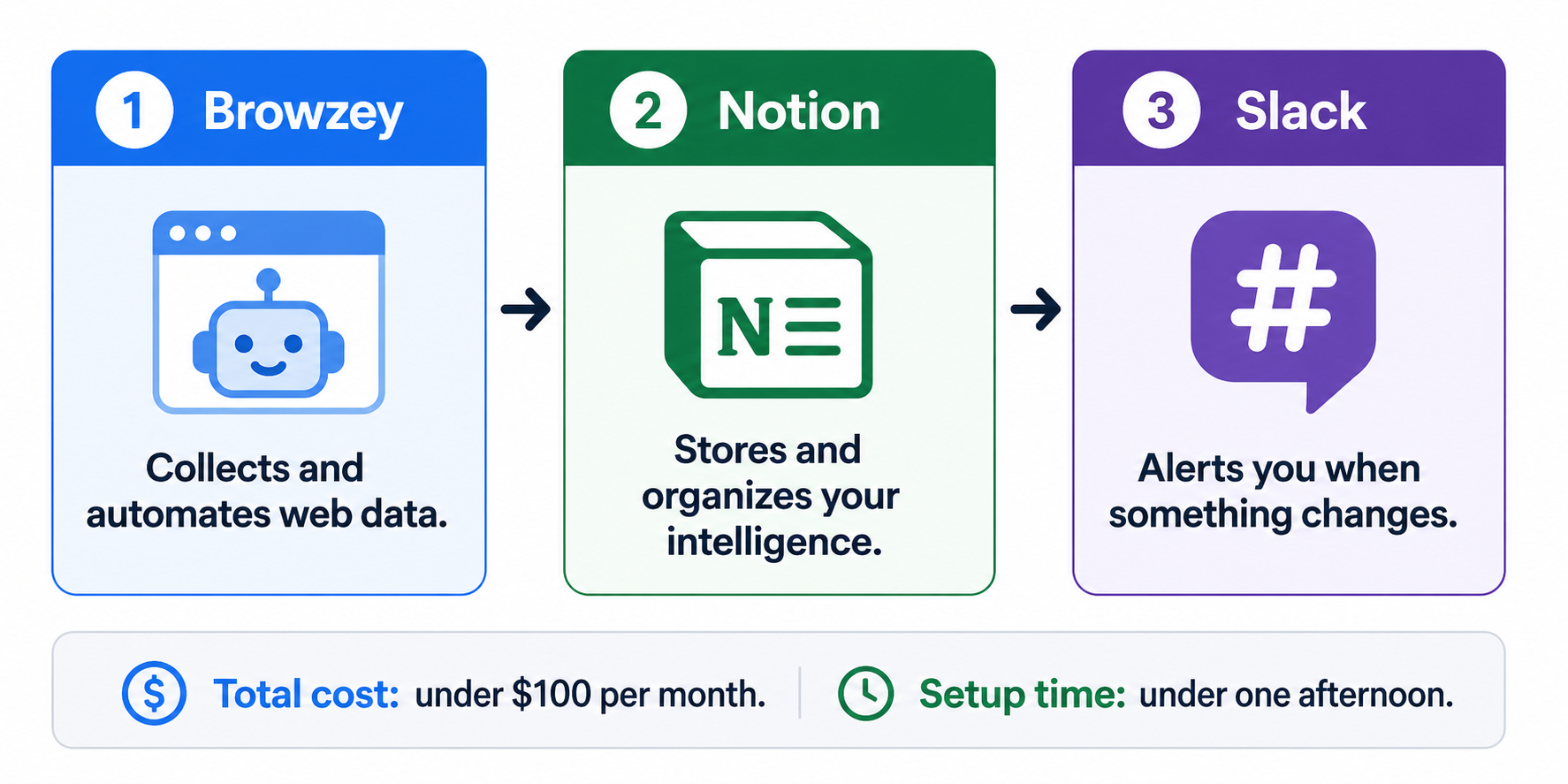
You do not need a complicated tech stack. You need three tools that handle three distinct jobs:
1. Browzey (Web Extraction and Automation)
This is where the data comes from. Browzey runs your automations: pulling competitor prices, collecting LinkedIn leads, scraping job boards, aggregating reviews. Everything it collects can flow into the tools below.
2. Notion (Knowledge Base)
Notion becomes your living intelligence layer. Competitor pricing lives here. Your lead research lives here. Review summaries live here. When Browzey pulls data, it lands in a structured Notion database that you can query, sort, filter, and share with your team. Over time this becomes a real competitive advantage: a curated, up-to-date picture of your market that you built automatically.
3. Slack (Alerts)
You should not have to open a dashboard to know when something important changed. Slack is where Browzey sends alerts. A competitor dropped their price. A target company just posted five engineering roles. A new one-star review landed on your G2 page. You get notified in real time, in the channel where your team already lives.
This three-tool stack costs well under $100 per month to run at a meaningful scale. It gives a solo founder visibility that used to require a research assistant, a BI tool, and a developer.
What to Automate First
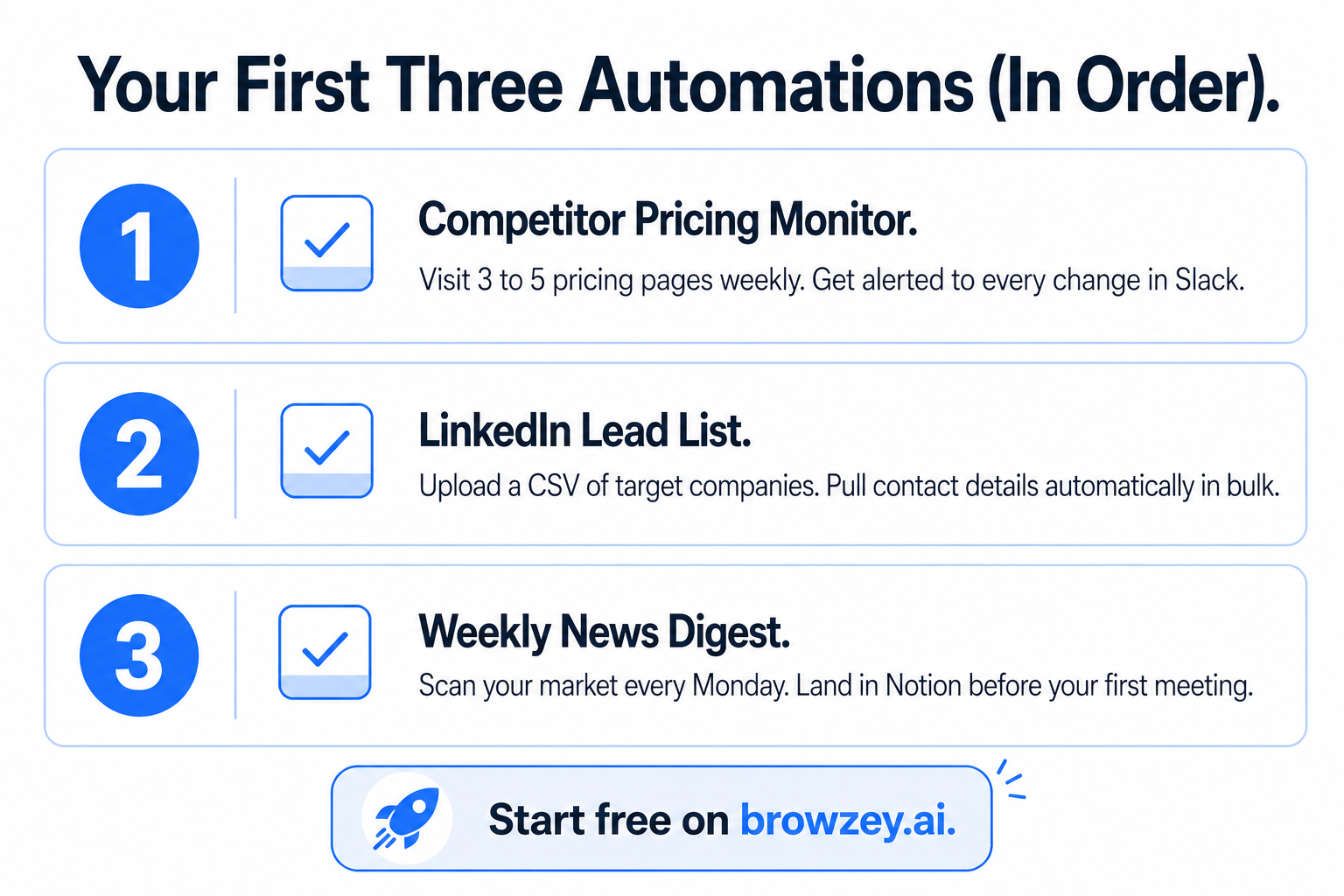
Do not try to automate everything at once. Pick the three tasks that cost you the most time each week and start there. Based on what founders consistently report as high-impact, low-complexity starting points, here is the recommended sequence:
Start With: Competitor Pricing
Set up a Browzey automation that visits your top three to five competitors' pricing pages on a weekly schedule. It should capture the plan names, prices, and any feature callouts visible on the page, then push the results to a Notion database.
Why this first: pricing changes are high-stakes and time-sensitive. If a competitor cuts their price or launches a new tier, you want to know within days, not months.
Second: LinkedIn Lead List
Use the LinkedIn profile extraction template in Browzey to pull a list of potential customers from a target segment. Upload a list of company names or profile URLs as a CSV and let Browzey run the extraction in bulk.
Why this second: lead research is one of the highest-volume repetitive tasks for early-stage founders. A workflow that took two hours per week manually now takes ten minutes to set up and runs unattended.
Third: Weekly News Digest
Configure a Browzey automation to scan relevant news sources, publication sections, or search result pages for keywords related to your market, your competitors, and your product category. Have it compile the results into a Notion page and send a Slack summary every Monday morning.
Why this third: market awareness compounds. Founders who know what is being written about their space every week make better product decisions, write better content, and find partnership opportunities faster.
How Browzey Compares to Bardeen and Browse AI
If you have researched this space at all, you have likely seen Bardeen and Browse AI come up. Both are legitimate tools. Here is how they differ and where Browzey holds an advantage for the founder use case.
Bardeen
Bardeen is a browser extension that lives in Chrome and connects web apps you already use through what it calls Playbooks. It has a generous free tier and a Pro plan at around $10 per month. Its strengths are in personal workflow automation: pushing a LinkedIn profile to your CRM with one click, triggering an action based on what page you are currently visiting, connecting Gmail to Notion to Slack in a single sequence.
Where it gets complicated: Bardeen's most powerful features require the Chrome extension to be active on every team member's machine. For distributed teams, that coordination adds friction. Its AI workflow builder is also better suited to simple, well-defined tasks. Complex automations with multiple data sources often require manual editing after the AI generates the initial playbook. Bardeen is excellent for individual productivity workflows, less so for the kind of bulk research and data collection that founders need most.
Browse AI
Browse AI is purpose-built for web monitoring and data extraction. Its "robot training" interface is genuinely intuitive: you point and click on the elements of a page you want to track, Browse AI learns what you did, and creates a robot that repeats those actions on a schedule. Starter plans begin at $49 per month. It is particularly strong at detecting when specific parts of a page change, making it the best tool in the market for monitoring a small set of known pages reliably.
Its limitation for founders is scale. Browse AI shines when you need to monitor five to ten specific pages closely. When you need to run the same workflow across 200 rows of a spreadsheet, the per-robot setup becomes impractical. It also does not natively integrate with Notion, and its Slack alerts require going through a third-party connector.
Where Browzey Fits
Browzey sits at the intersection of what both tools do well, with the bulk processing capability that neither specializes in. Plain-English task descriptions lower the learning curve below Bardeen's Playbook builder. The bulk CSV and Excel runner handles the volume that Browse AI cannot match without per-robot configuration. Native Notion and Slack integrations remove the glue layer.
For a non-technical founder who needs to run research and monitoring workflows at scale without a developer, Browzey covers the broadest range of use cases from a single starting point.
| Browzey | Bardeen | Browse AI | |
|---|---|---|---|
| Free plan | Yes | Yes | No |
| Plain English setup | Yes | Partial | No |
| Bulk CSV/spreadsheet runs | Yes | No | No |
| Notion integration | Native | Third-party | No |
| Slack integration | Native | Native | Via Zapier |
| Best for | Research + monitoring at scale | Personal workflow automation | Monitoring specific pages |
Where to Go From Here
Start with the free plan on Browzey and run one automation this week. Pick the simplest thing that costs you time: a pricing page you check manually, a LinkedIn search you redo every month, a news source you scan without fail every Friday.
Build one workflow. Connect it to Notion. Set up one Slack alert. See what it feels like to get information delivered to you instead of having to go find it.
The founders who figure this out early build a compounding advantage. Every week of automated market intelligence is a week that would have otherwise been lost to manual tab-hopping. Over six months, that is a materially different level of awareness about your market, your competitors, and your customers.
You do not need to be technical to automate. You just need to be clear about what you want.
Browzey is a no-code browser automation platform. Start free at browzey.ai.
Recommended Tools
Further reading
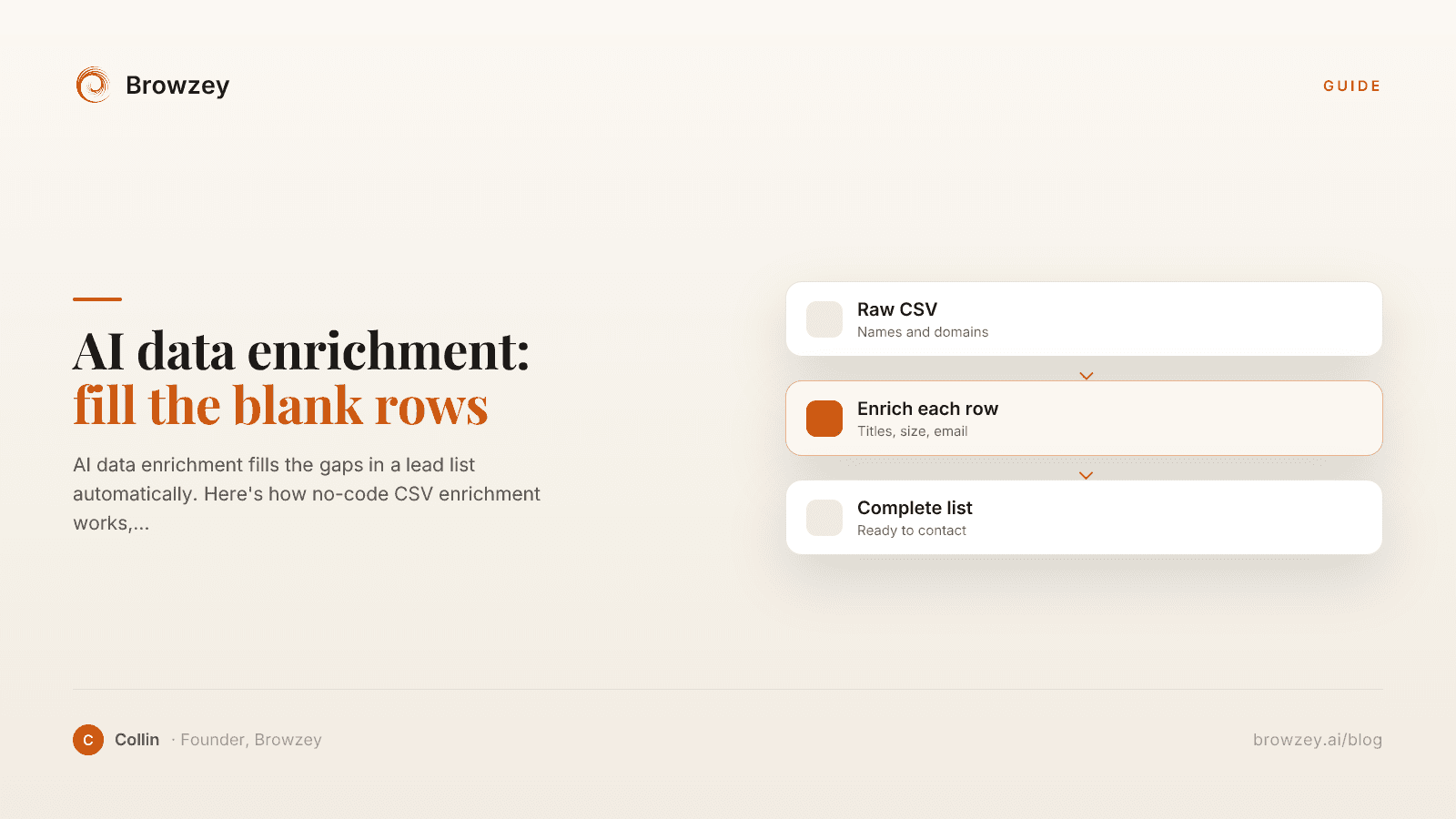
AI data enrichment: how to enrich a CSV of leads
AI data enrichment fills the gaps in a lead list automatically. Here's how no-code CSV enrichment works, where database tools quietly fail, and how to fix it.
July 2, 2026
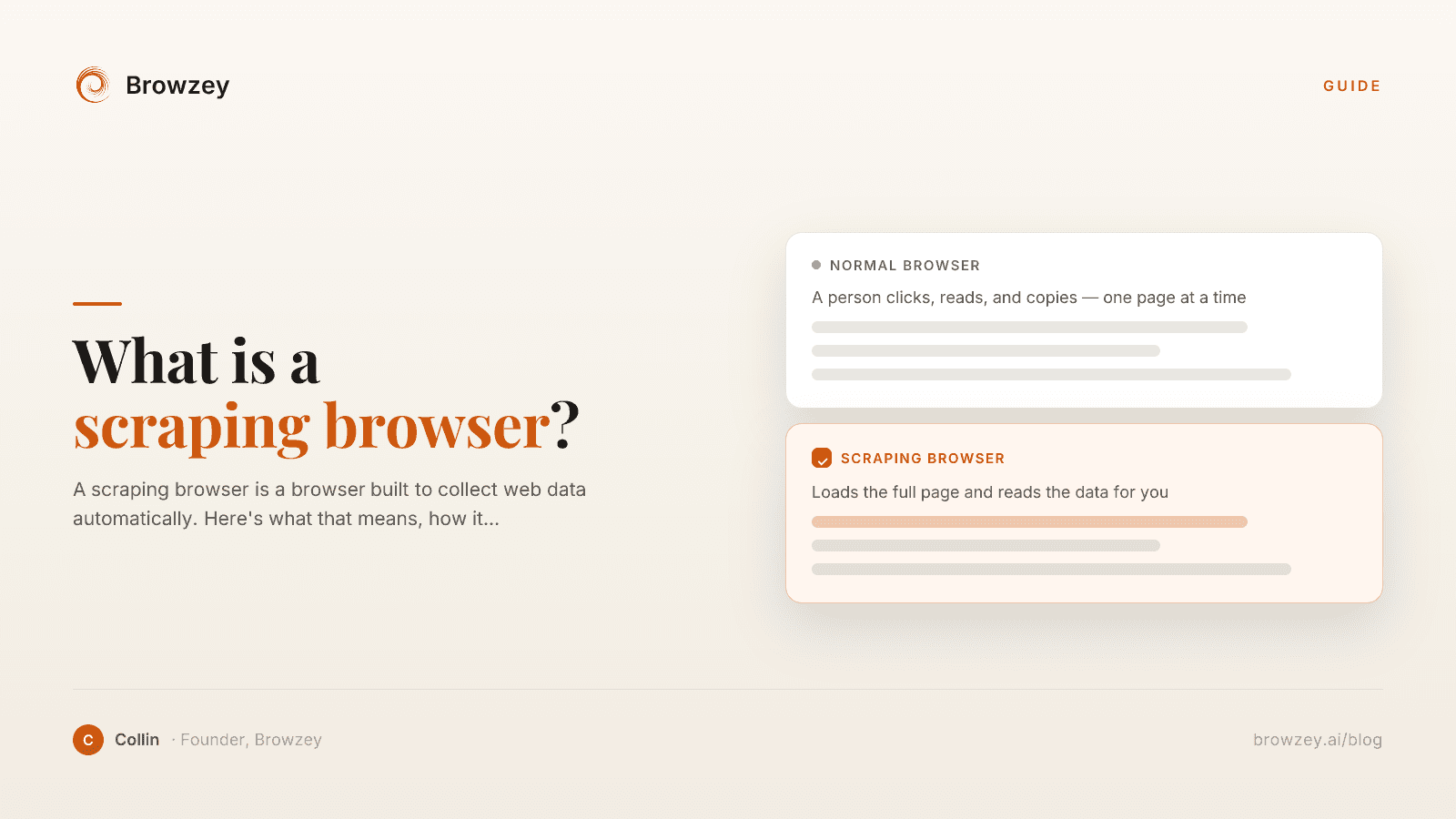
What Is a Scraping Browser? A Plain-English Guide
A scraping browser is a browser built to collect web data automatically. Here's what that means, how it works, and whether you actually need one.
June 20, 2026
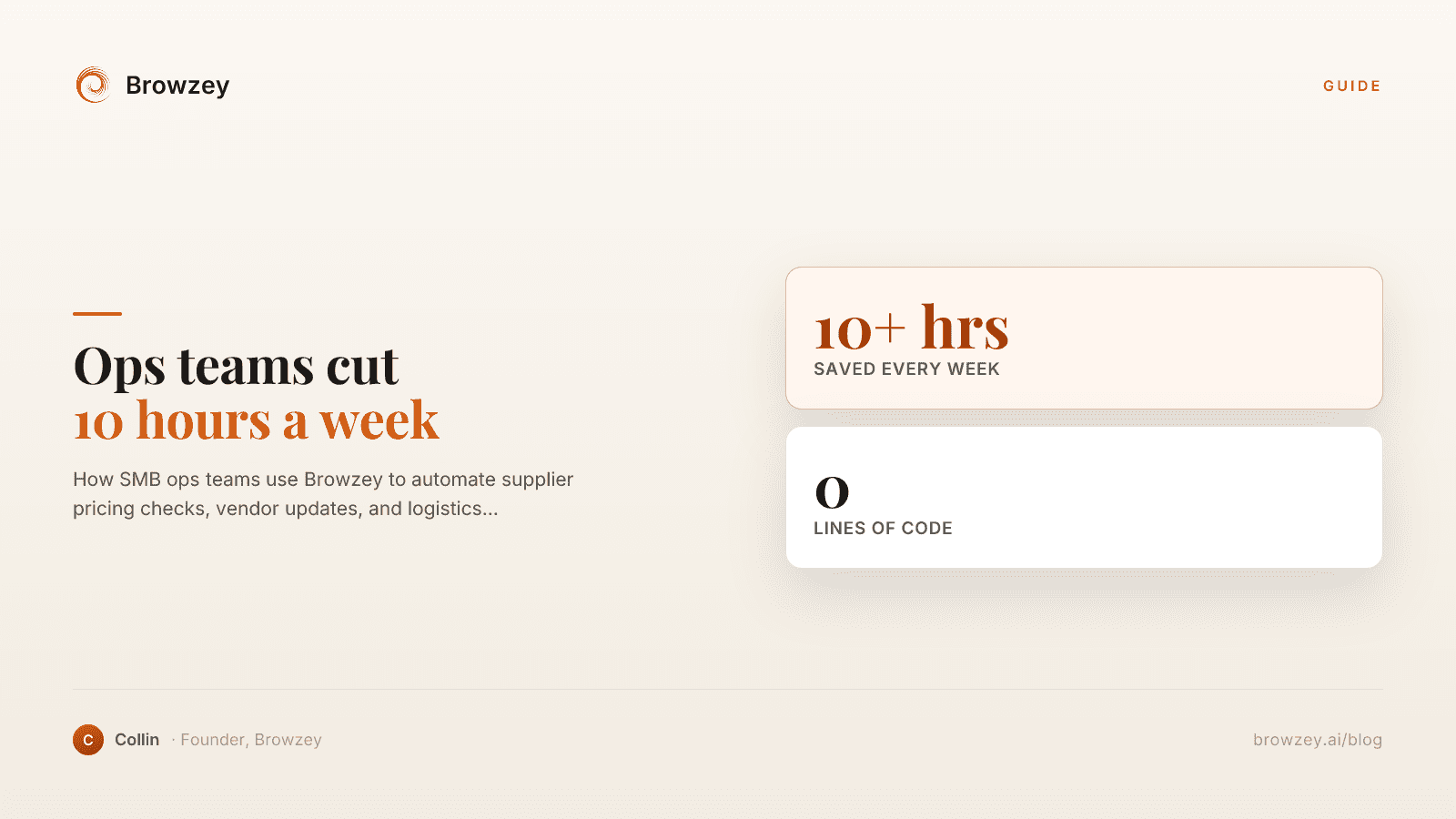
How Operations Teams Are Cutting 10 Hours Per Week with Browser Automation
How SMB ops teams use Browzey to automate supplier pricing checks, vendor updates, and logistics monitoring — saving 10+ hours per week, no code required.
April 29, 2026
On this page
- You Do Not Need to Code to Compete
- What Browser Automation Actually Is (And Is Not)
- The Problem Is Not Complexity. It Is Access.
- Browzey as Your Starting Point
- The Recommended Starter Stack
- 1. Browzey (Web Extraction and Automation)
- 2. Notion (Knowledge Base)
- 3. Slack (Alerts)
- What to Automate First
- Start With: Competitor Pricing
- Second: LinkedIn Lead List
- Third: Weekly News Digest
- How Browzey Compares to Bardeen and Browse AI
- Bardeen
- Browse AI
- Where Browzey Fits
- Where to Go From Here