Octoparse alternatives, ranked by what you're scraping
The best Octoparse alternative depends on the site you're scraping. Here's the honest list by use case, plus the category that handles sites Octoparse can't.
 CollinFounder, Browzey7 min read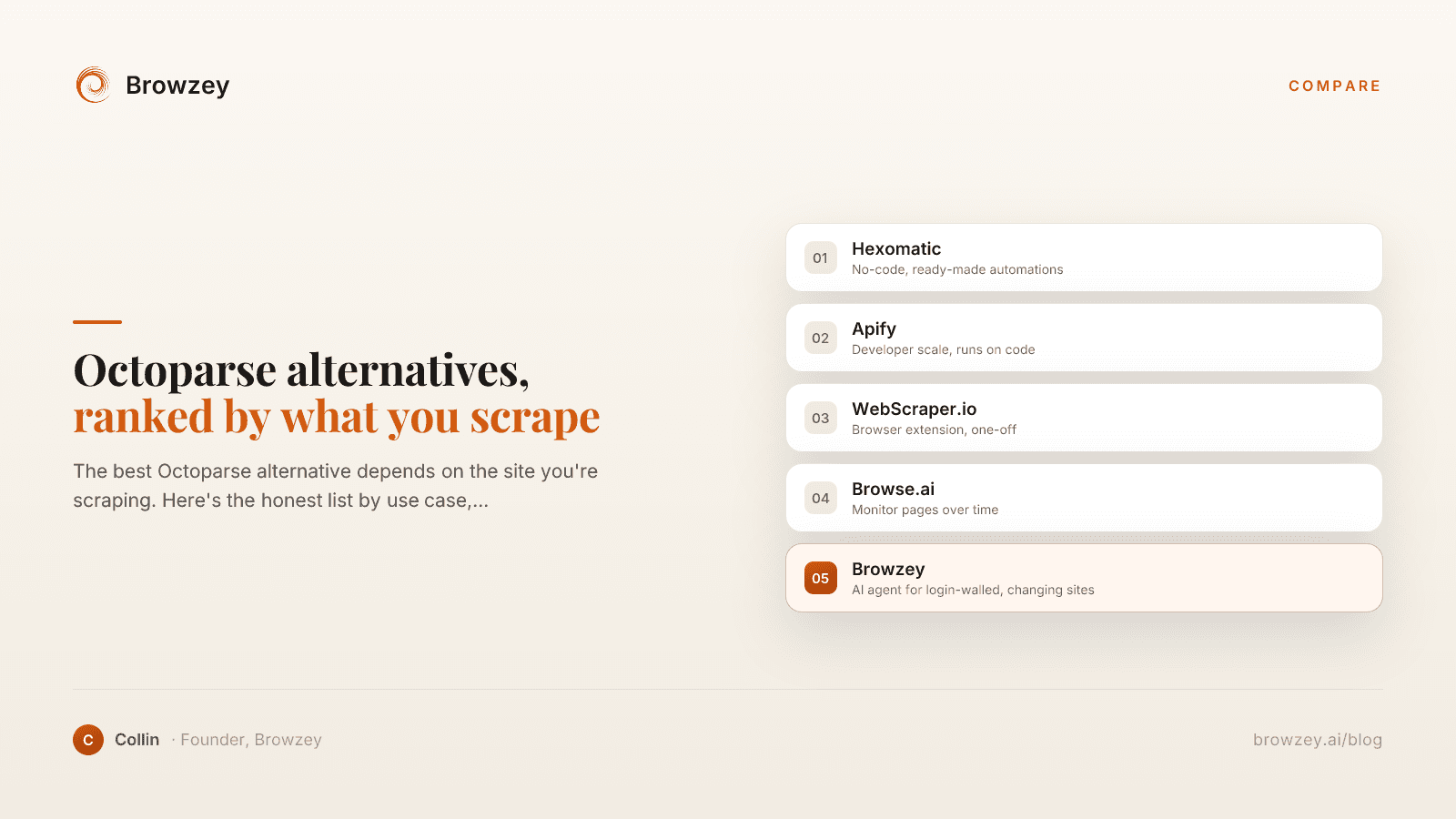
On this page
- Why I went looking for an Octoparse alternative
- What Octoparse actually is, so you pick the right replacement
- The five alternatives, ranked by fit
- 1. Hexomatic (the no-code pick)
- 2. Apify (the developer pick)
- 3. WebScraper.io (the quick one-off pick)
- 4. Browse.ai (the monitoring pick)
- 5. Browzey (the AI browser agent, for the sites that break the others)
- Why that last one is a different kind of alternative
- How to pick, fast
Why I went looking for an Octoparse alternative
I started with Octoparse because it promised the thing I wanted. Point at a page, click the rows you care about, get a clean spreadsheet out the other end. No code. On the demo sites in their tutorials it does exactly that, and it feels like magic for about ten minutes.
Then I pointed it at the sites I actually needed. A directory that loaded more results as I scrolled. A supplier portal that wanted me logged in. A listing page that quietly changed its layout every couple of weeks. The point-and-click selection that worked so smoothly in the tutorial started grabbing the wrong elements, missing half the rows, or breaking outright the next time the site shifted. So I went looking for an Octoparse alternative, and I tried most of them.
Here's the honest list, five picks ranked by fit. The first four are alternatives to each other. The fifth, the one we make, is an alternative to the whole approach, and it's the one these comparisons usually leave off.
What Octoparse actually is, so you pick the right replacement
Octoparse is a template scraper. You build a "task" by clicking elements on a page, it records the structure underneath, and then it replays that recipe to pull data, optionally on its cloud so it runs without your machine on. That model is great when a site is well-structured and stays put.
The model strains in a few places, at least in my experience. The desktop app has a real learning curve once you get past the happy path. Point-and-click templates are brittle, so a layout change can quietly break a task you set up months ago. And the cloud runs that make it hands-off sit on the paid plans, so going fully unattended is where the cost shows up.
Most alternatives below are the same genre with different trade-offs. One of them isn't, and that's the one worth reading to the end for.
The five alternatives, ranked by fit
1. Hexomatic (the no-code pick)
Hexomatic bills itself as "web scraping + AI work automation, made easy," and like Octoparse it's built so you don't write code. You point and click to build a scraping "recipe," or use its one-click scraper for popular sites, then chain in ready-made automations to turn a scrape into a workflow you run on autopilot. It advertises 100+ ready-made automations, and it runs in the cloud rather than as a desktop download.
Where I'd set expectations: it leans on those prebuilt recipes and automations, so the further your target sits from a common pattern, the more of the workflow you're assembling and tending yourself.
Best for: people who want Octoparse's no-code feel plus a library of ready-made automations to bolt on.
2. Apify (the developer pick)
Apify calls its scrapers "Actors," which it describes as "serverless cloud programs" that handle web scraping, browser automation, and data processing. The ready-made ones live in the Apify Store, and you can run them from the console, the API, or on a schedule. You can also build your own, which Apify itself files under "the technical part," and a custom Actor needs a Dockerfile.
That last detail is the tell: this is a developer platform. Run a prebuilt Actor that already fits your site and you're fine. The moment one doesn't, you're writing or packaging code.
Best for: technical teams that want scale and don't mind code.
3. WebScraper.io (the quick one-off pick)
WebScraper.io is a browser extension, a Chrome extension and a Firefox add-on, with a point-and-click interface and no coding required. The extension is "always free for unlimited local use," which makes it the fastest way to grab a structured table or a small list without committing to a whole platform. Scheduling, an API, and parallel runs live in its separate paid Cloud product.
So the free part is genuinely free, but it's scoped to local, hands-on work. The moment you want runs happening on a schedule without your browser open, you're into the Cloud tier.
Best for: quick, one-off extractions you run yourself.
4. Browse.ai (the monitoring pick)
Browse.ai calls itself an "AI-powered web scraping and monitoring platform," and its scrapers are "robots," with 250+ prebuilt ones plus any you train by pointing and clicking, no code. The thing that sets it apart from Octoparse is the monitoring half: you can schedule a robot to re-check a site hourly, daily, or weekly and get alerted when something changes, and it advertises AI change detection that adapts when a site updates. It lists 7,000+ integrations for pushing the data out.
Where I'd pause: it's strongest once you've trained a robot on specific fields on specific pages and want them watched over time. That's a different job from one big messy extraction.
Best for: ongoing monitoring of specific fields, with alerts.
5. Browzey (the AI browser agent, for the sites that break the others)
The four above all replay a recorded structure. That holds up until the structure isn't reachable without a login, or a site changes its layout often enough that your recipe is stale by next month. Browzey is a different shape of tool for that exact case, an AI browser agent. It opens a real browser, reads the live page the way a person would, decides the next action, and carries it out step by step. No selectors, scripts, or pre-recorded macros to maintain.
We make it because we kept watching capable people lose afternoons to web work the template scrapers couldn't reach, the logged-in portals and the redesign-happy sites and the forms no API ever covered. Browzey needs no code, and the same task keeps working when a site's layout changes, which is the exact part that breaks an Octoparse template. If you'd rather not build anything, a few common jobs are already done for you in our free tools.
Best for: sites behind a login, or that change too often for a recorded template to keep up.
Why that last one is a different kind of alternative
The first four are alternatives to each other. Browzey is an alternative to the whole approach, and it's worth seeing the line clearly. A template scraper reads a recipe. A browser agent reads the page. I wrote up where scraping ends and browser automation begins if you want the longer version.
I'm not going to pretend an agent replaces Apify for someone scraping ten million product pages a night. That's still a job for purpose-built scraping infrastructure. But for the work most non-technical people actually have, the kind that's been quietly eating your Mondays, a tool that just drives the browser beats a recipe that keeps going stale.
How to pick, fast
- You want Octoparse's no-code feel plus ready-made automations → Hexomatic.
- You can code and you need scale → Apify.
- You want a quick one-off pull from your browser → the WebScraper.io extension.
- You're monitoring specific fields over time → Browse.ai.
- Your data is behind a login, or the site keeps changing → Browzey, or another AI browser agent.
The mistake I see most is someone in that last row forcing their work into one of the first four. They build a template, it half-works, they bolt on a manual step to cover the gap, and now they're babysitting a brittle scraper forever. If the real job is "make the browser do the thing I do by hand," reach for the right category and try Browzey on the exact site that's been breaking your scraper.
There's a longer walkthrough for non-technical founders if you want to see what that shift looks like in practice.
FAQ
What is the best Octoparse alternative in 2026?
It depends on the work. Hexomatic keeps Octoparse's no-code feel and adds a library of ready-made automations. Developers tend to prefer Apify for scale. For a quick one-off pull, the WebScraper.io browser extension is the lightest option, and Browse.ai is built for ongoing page monitoring.
Is there a free Octoparse alternative?
Yes. The WebScraper.io browser extension is free for unlimited local use, and Browse.ai lets you extract data from your first website for free. Several others offer free trials or limited free plans, so check each tool's current pricing page before you commit, since plans change.
Why do people switch away from Octoparse?
The reasons people give usually come down to the learning curve on the desktop app, point-and-click templates that need redoing when a site changes its layout, costs as cloud usage grows, and sites behind a login or with messy structure that point-and-click selection struggles to capture cleanly.
What is the best Octoparse alternative for sites without an API or behind a login?
An AI browser agent. Instead of recording selectors that break, it reads the live page like a person and adapts when the layout shifts, so it can work through logins and dynamic sites that template-based scrapers struggle with.
Further reading
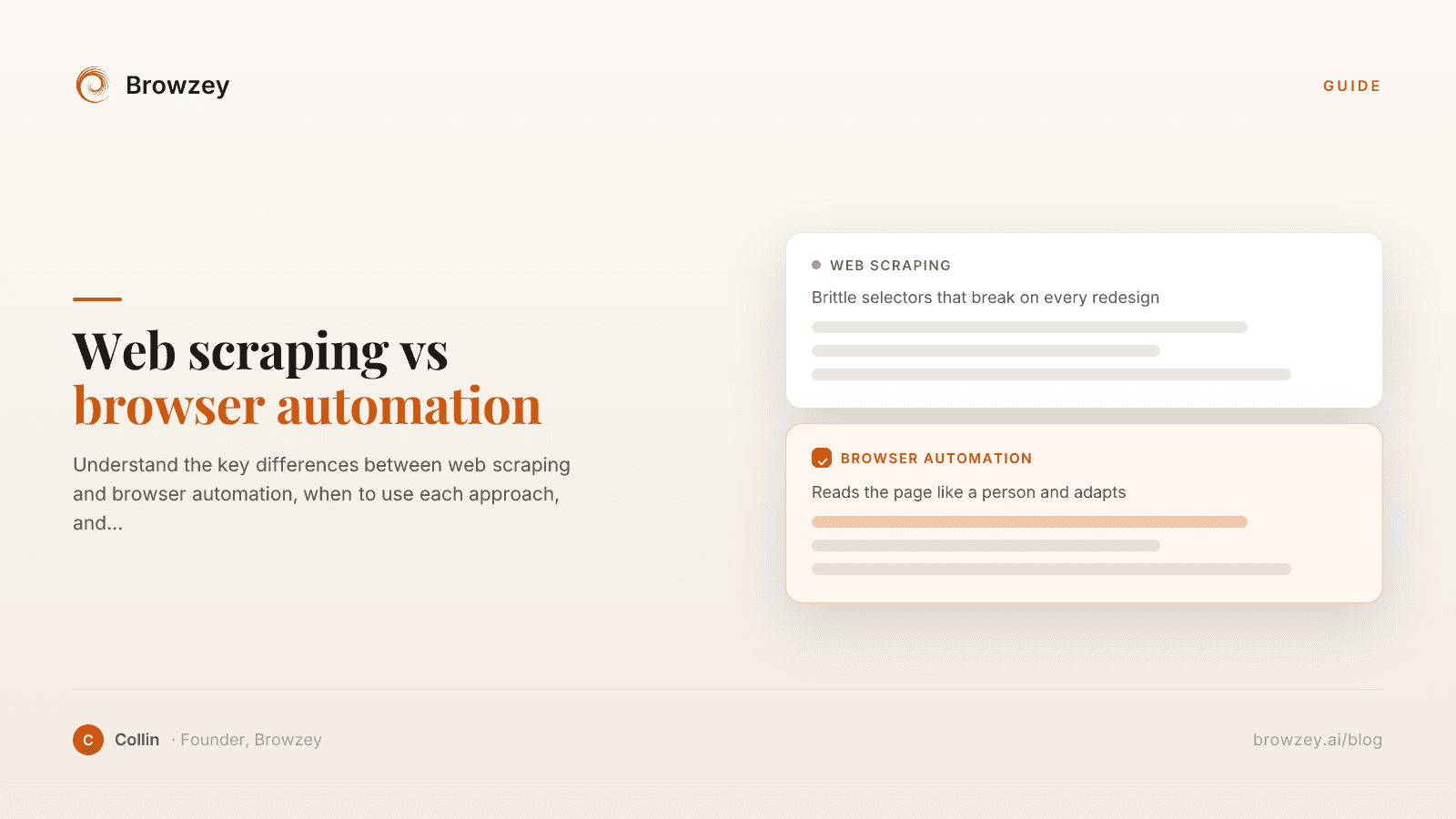
Web Scraping vs Browser Automation: Key Differences
Understand the key differences between web scraping and browser automation, when to use each approach, and how they can work together.
January 23, 2025
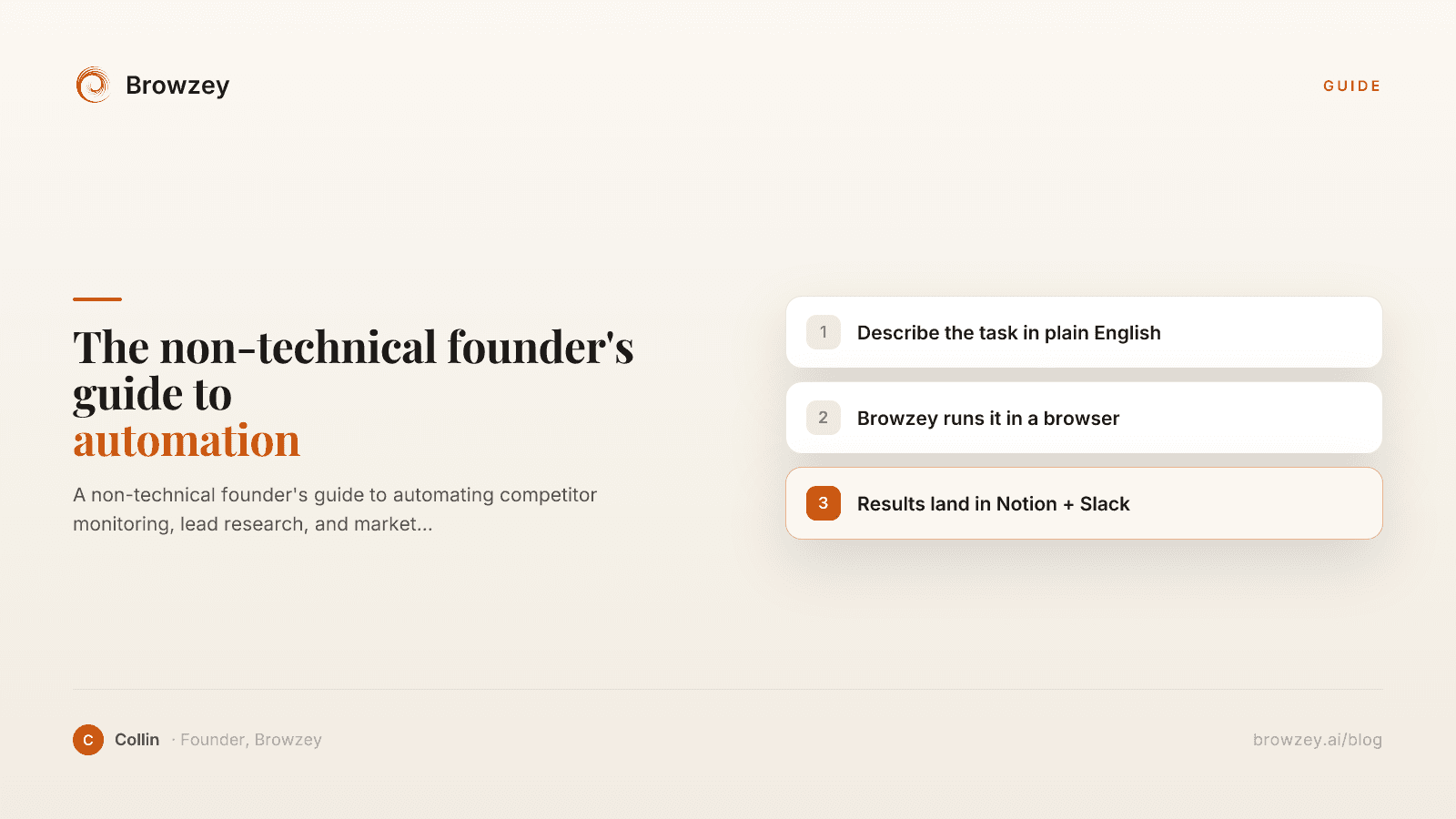
The Non-Technical Founder's Guide to Browser Automation in 2026
A non-technical founder's guide to automating competitor monitoring, lead research, and market intelligence with Browzey, Notion, and Slack — no code.
May 1, 2026
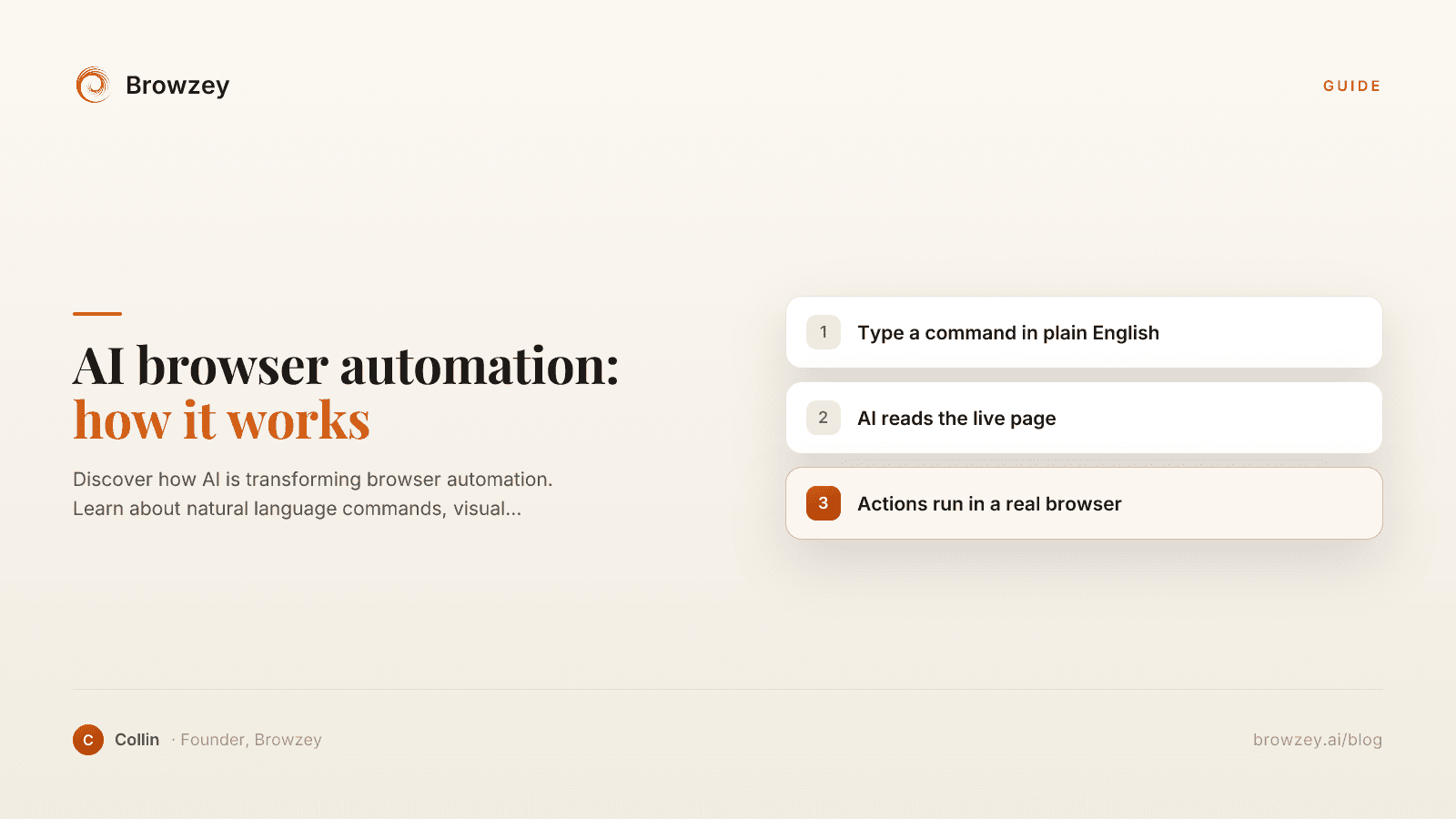
AI Browser Automation: How It Works
Discover how AI is transforming browser automation. Learn about natural language commands, visual understanding, and the future of web task automation.
January 22, 2025
On this page
- Why I went looking for an Octoparse alternative
- What Octoparse actually is, so you pick the right replacement
- The five alternatives, ranked by fit
- 1. Hexomatic (the no-code pick)
- 2. Apify (the developer pick)
- 3. WebScraper.io (the quick one-off pick)
- 4. Browse.ai (the monitoring pick)
- 5. Browzey (the AI browser agent, for the sites that break the others)
- Why that last one is a different kind of alternative
- How to pick, fast