AI data enrichment: how to enrich a CSV of leads
AI data enrichment fills the gaps in a lead list automatically. Here's how no-code CSV enrichment works, where database tools quietly fail, and how to fix it.
 CollinFounder, Browzey7 min read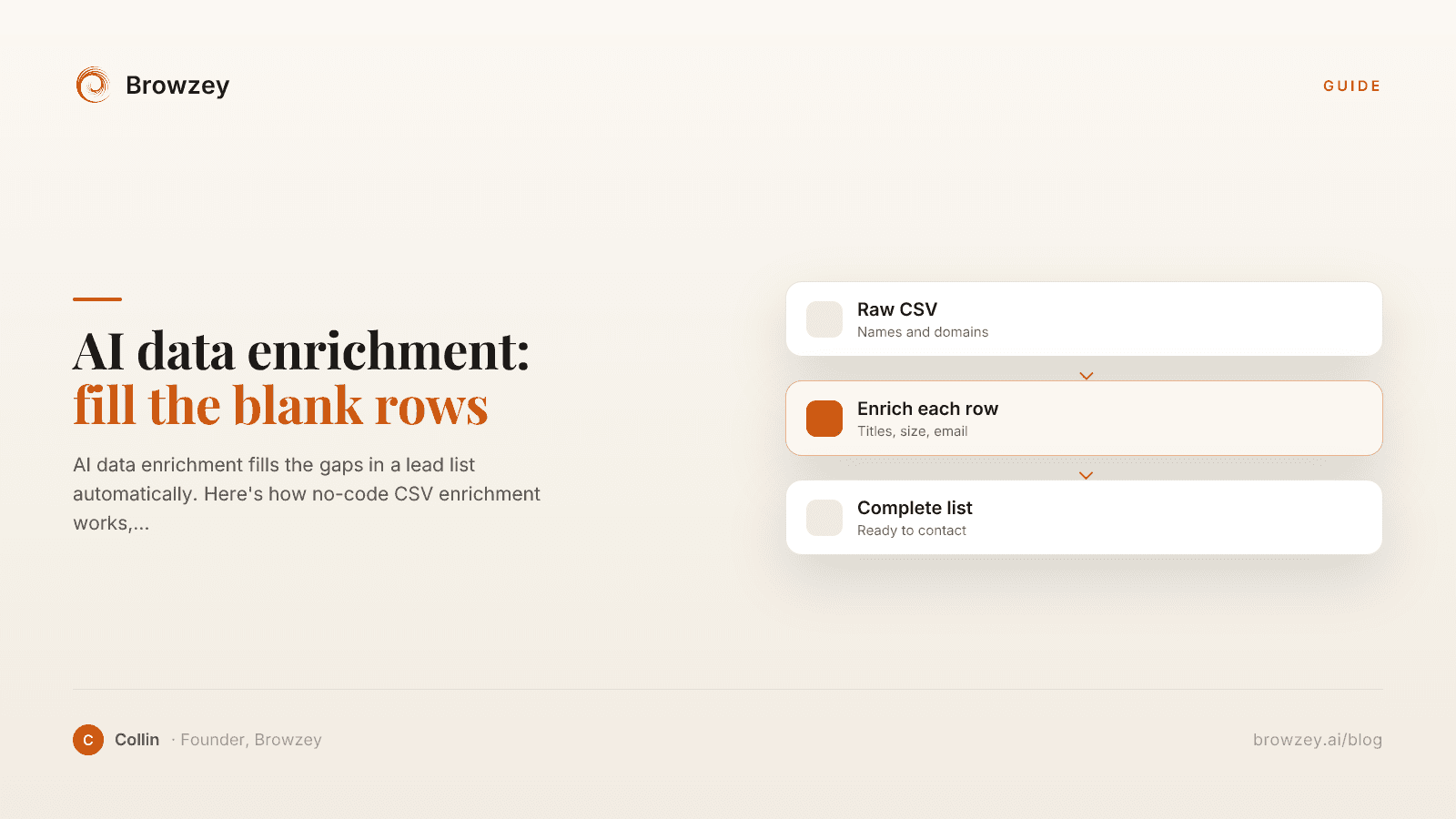
On this page
Why I stopped trusting the match rate
The first time I ran a lead list through an enrichment tool, the demo number sold me. Ninety-something percent match rate, right there on the pricing page. I uploaded a few hundred companies, hit run, and watched it fill in titles and company sizes like magic.
Then I looked at which rows it filled. The big, well-known companies came back complete. The ones I actually cared about, the smaller and newer and more niche businesses that were my real prospects, came back half empty. The tool wasn't lying about its match rate. It just measured the average across easy and hard records, and my list was mostly the hard kind.
That gap is the whole story of data enrichment, and it's the part the tool comparisons skip. So here's how enrichment actually works, where it breaks, and what to do about the rows that come back blank.
What AI data enrichment actually does
Enrichment takes a thin record and fattens it up. You start with something like a company name and a domain. You want job titles, company size, industry, a work email, maybe the tech they run or their latest funding round. Enrichment is the step that goes and finds those fields and appends them to your row.
The mechanical version is a lookup. The tool takes your identifier, finds the matching entry in its database, and copies over the fields it has. The "AI" label shows up when a tool does more than a static lookup, when it can read the open web, infer a field from context, or run a small research task per row instead of a single table join.
Most of the value is boring and real. A sales rep who used to spend an afternoon researching a list can hand that list to a tool and get most of it back in minutes. The trouble is only visible when you check the rows that didn't fill.
The no-code way: upload a CSV, map, enrich
You don't need to write code for any of this anymore. The standard flow is a spreadsheet in, a spreadsheet out.
Upload your CSV to the tool. Map your existing columns to the tool's fields, so it knows which column is the company domain and which is the contact name. Pick the attributes you want added. Run it, and download a new file with the extra columns populated. Cognism's CSV enrichment guide walks through this exact loop, and most platforms follow the same shape.
Clay is the one most RevOps teams reach for when they want to build custom logic, since it gives you a spreadsheet-style canvas with conditional steps and AI research columns, no engineering required. Apollo, Cognism, and a dozen others do the more straightforward version: upload, match, export. Any of them will handle a clean list of well-known companies just fine.
One thing worth knowing up front: match rate climbs with every unique identifier you give it. A bare company name is a weak key. A domain is much better. A LinkedIn URL better still. If your list is thin, you'll get thin results back no matter which tool you pick.
Where database enrichment quietly fails
Here's the limit nobody puts on the pricing page. A database enrichment tool can only return what's already in its database. That's not a knock on any one vendor, it's the shape of the whole approach. When the data isn't in the set, the row comes back blank, and it comes back blank in predictable places.
Niche industries where no vendor has bothered to build coverage. Local and non-US businesses that never made it into a US-centric B2B dataset. Small and brand-new companies that haven't been indexed yet. And any field a data vendor simply doesn't sell, like "does this company mention SOC 2 on their site," "who's the operations lead named on their team page," or "how many roles are they hiring for right now."
For all of those, the frustrating part is that the data exists. It's sitting on the company's own website, their team page, their careers page, their LinkedIn. It's just not in the vendor's table, so the vendor returns nothing. You end up doing the exact manual research the tool was supposed to save you from, one blank row at a time.
Enrichment by reading the page, not querying a database
This is the case we built Browzey for, and it's a different move than a database lookup. Instead of matching your row against a fixed dataset, an AI browser agent opens the actual source and reads it. You point it at the field you want, described in plain language, and it goes to the company's site or profile and pulls the answer the way a person would.
Two things make this fit enrichment well. Browzey requires no code, so anyone who can describe a task in a sentence can automate it, and the same workflow keeps working when a site's layout changes. And it reruns the same workflow across every row of a CSV or Excel file, so a task you describe once runs hundreds of times unattended and returns a structured result set. That's the enrichment loop, minus the requirement that a vendor already sell the field.
I'm not going to pretend an agent beats a big database on the easy rows. If your list is Fortune 500 companies and you want headcount and revenue, a data provider will match those instantly and cheaply. The agent earns its place on the long tail, the niche and local and oddly-specific rows where the database shrugs. The honest setup is often both: run the list through a database first, then send the blank rows to an agent that can actually go look. If you'd rather not build anything, a few common jobs are already done for you in our free tools.
How to enrich a CSV of leads, step by step
Whichever tool you land on, the process rhymes:
- Start with the strongest identifier you have per row. A domain or LinkedIn URL beats a bare company name.
- Clean and dedupe the list first, so you're not paying to enrich the same record twice or overwriting good data with worse.
- Decide the exact fields you need. Enriching everything is slower and noisier than enriching the five columns that actually change who you contact.
- Run a database tool for the standard fields, then look hard at the blanks.
- For the blank rows and the fields no vendor sells, send them to a browser agent that can read the source page directly.
That last step is the one most guides leave off, because most guides are written by the database vendors. The rows they can't fill are exactly the rows worth filling, since they're the prospects your competitors also gave up on.
How to pick, fast
- Big, well-known companies and standard fields → a database tool like Clay, Cognism, or Apollo.
- Custom logic and research columns without code → Clay.
- Niche, local, small, or non-US leads → expect blanks, and plan for a second pass.
- Fields no vendor sells, or the rows a database left empty → an AI browser agent that reads the live page.
The mistake I made early was treating the match rate as a promise instead of an average. Look at which rows filled, not just how many. If the ones that matter came back empty, the tool didn't fail so much as hit the edge of its dataset, and that edge is exactly where reading the page instead of a database starts to pay off.
So don't throw the blank rows away. Point Browzey at them and let it go find what the vendor couldn't.
FAQ
What is AI data enrichment?
AI data enrichment is the process of automatically adding missing information to a list of records, such as leads, by matching each row against data sources and appending fields like job title, company size, email, phone, or tech stack. The 'AI' part usually refers to tools that can also research the open web, not just look up a fixed database.
How do I enrich a CSV of leads?
Upload the CSV to an enrichment tool, map your existing columns (like company name or domain) to the tool's fields, choose which attributes you want added, and run it. The tool returns a new file with the extra columns filled in. Match rates go up the more unique identifiers, like a domain or LinkedIn URL, you provide.
Is there a no-code data enrichment tool?
Yes. Most modern enrichment platforms are no-code: you work through a spreadsheet-style interface or a CSV upload, not an API. Tools like Clay, Cognism, and Apollo handle enrichment without writing code, and an AI browser agent can enrich the long-tail records that fixed databases miss.
Why do enrichment tools miss so many of my leads?
Database enrichment can only return what's already in its database. Match rates drop for niche industries, local or non-US businesses, small companies, and any field a data vendor doesn't sell. For those records the data usually still exists on the company's own website or profile pages, just not in the vendor's dataset.
Further reading
Automating Lead Generation: A Complete Guide for 2025
Learn how to automate your lead generation process. From prospecting to outreach, discover strategies that help sales teams scale efficiently.
January 20, 2025
How to Extract Emails from Any Website
Learn how to extract email addresses from websites quickly and ethically. Includes a free email extractor tool and best practices for compliance.
January 24, 2025
AI Browser Automation: How It Works
Discover how AI is transforming browser automation. Learn about natural language commands, visual understanding, and the future of web task automation.
January 22, 2025