Automating Lead Generation: A Complete Guide for 2025
Learn how to automate your lead generation process. From prospecting to outreach, discover strategies that help sales teams scale efficiently.
 CollinFounder, Browzey7 min read
On this page
- The Lead Generation Challenge
- Research and Identification
- Contact Discovery
- Data Enrichment
- CRM Entry
- Outreach
- What Can Be Automated
- Highly Automatable
- Partially Automatable
- Still Requires Human Touch
- Automating Lead Research
- Directory Scraping
- Industry Publications
- Competitor Customer Lists
- Automating Contact Discovery
- Website Team Pages
- Email Finding
- LinkedIn Automation
- Automating Data Enrichment
- Company Information
- Contact Information
- Trigger Events
- Automating CRM Entry
- Direct Integration
- Browser Automation
- Building an Automated Lead Gen Workflow
- Phase 1: List Building (Automated)
- Phase 2: Enrichment (Automated)
- Phase 3: Qualification (Semi-Automated)
- Phase 4: Outreach (Semi-Automated)
- Phase 5: Handoff (Manual)
- Tools and Technologies
- For Data Collection
- For Enrichment
- For CRM Integration
- Compliance and Best Practices
- Respect Privacy Regulations
- Data Quality
- Website Policies
- Ethical Outreach
- Measuring Success
- Volume Metrics
- Quality Metrics
- Efficiency Metrics
- ROI Calculation
- Getting Started
- Week 1: Audit
- Week 2: Prioritize
- Week 3-4: Implement
- Month 2+: Scale
- The Future of Lead Generation
Lead generation is the lifeblood of any sales-driven business. But traditional prospecting methods—manually searching for contacts, copying data into spreadsheets, researching company information—are incredibly time-consuming. A sales rep can easily spend 40% of their time on these tasks instead of actually selling.
Automation changes this equation. By automating repetitive prospecting tasks, sales teams can generate more leads with less effort and focus their energy on building relationships and closing deals.
The Lead Generation Challenge
Modern B2B lead generation involves several time-intensive steps:
Research and Identification
Finding companies that match your ideal customer profile requires:
- Searching business directories
- Reviewing industry publications
- Monitoring competitor customers
- Tracking company news and funding
Contact Discovery
Once you've identified target companies, you need to find decision-makers:
- Locating key personnel
- Finding email addresses
- Gathering phone numbers
- Identifying LinkedIn profiles
Data Enrichment
Raw contact data isn't enough. You need context:
- Company size and revenue
- Industry and vertical
- Technology stack
- Recent news and events
CRM Entry
All this information needs to get into your system:
- Creating new records
- Tagging and categorizing
- Assigning to reps
- Setting follow-up tasks
Outreach
Finally, actually reaching out:
- Personalizing messages
- Sending emails
- Tracking responses
- Following up
Each step multiplied by hundreds of prospects equals enormous time investment.
What Can Be Automated
Let's break down which parts of lead generation are ripe for automation:
Highly Automatable
- Email extraction from websites
- Company data collection
- CRM data entry
- List building from directories
- Basic email personalization
- Follow-up scheduling
Partially Automatable
- Contact verification
- Research aggregation
- Social media monitoring
- Meeting scheduling
Still Requires Human Touch
- Relationship building
- Complex negotiations
- Custom proposal creation
- Strategic account decisions
Automating Lead Research
The first step in lead generation is finding target companies. Here's how to automate this:
Directory Scraping
Business directories contain thousands of potential leads. Browser automation can:
- Navigate to directory search pages
- Apply filters (industry, location, size)
- Extract company listings
- Collect key information (name, website, description)
- Export to your preferred format
Industry Publications
Trade publications and news sites reveal active companies:
- Monitor industry news for company mentions
- Track funding announcements
- Identify companies hiring (a growth signal)
- Follow award winners and conference speakers
Competitor Customer Lists
Publicly visible customer logos and case studies indicate market participants:
- Extract customer names from competitor websites
- Research these companies as potential targets
- Identify dissatisfied customers in review sites
Automating Contact Discovery
Once you have target companies, finding the right people is next:
Website Team Pages
Many companies list employees on their websites:
- Navigate to team/about pages
- Extract names and titles
- Collect email addresses when listed
- Note LinkedIn profiles if provided
Email Finding
Emails often follow predictable patterns. Our email extractor tool can pull addresses from any webpage, but you can also:
- Use email pattern deduction (first.last@company.com)
- Search for emails in page source code
- Extract from contact pages
LinkedIn Automation
While LinkedIn has strict automation policies, you can:
- Use LinkedIn Sales Navigator for advanced search
- Export allowed data from your connections
- Monitor profile changes for job transitions
Automating Data Enrichment
Raw leads need context to prioritize and personalize outreach:
Company Information
Automatically gather:
- Employee count (from LinkedIn, Crunchbase)
- Funding history and investors
- Technology stack (from job postings, BuiltWith)
- Recent news and press releases
Contact Information
For each contact, collect:
- Professional history
- Recent posts and activity
- Shared connections
- Areas of interest
Trigger Events
Identify timely outreach opportunities:
- New funding rounds
- Leadership changes
- Product launches
- Expansion announcements
Automating CRM Entry
All your research means nothing if it's trapped in spreadsheets. Automate the transfer:
Direct Integration
If your tools connect via API:
// Push enriched leads to CRM
const lead = {
  company: enrichedData.companyName,
  contact: enrichedData.decisionMaker,
  email: enrichedData.email,
  source: 'Automated Research',
  notes: enrichedData.companyDescription
};
await crm.createLead(lead);
Browser Automation
When APIs aren't available, browser automation fills the gap:
"For each row in my spreadsheet, create a new lead in Salesforce with the company name, contact name, email, and mark the source as 'Directory Research'"
Tools like Browzey handle the CRM interface navigation and data entry automatically.
Building an Automated Lead Gen Workflow
Here's a practical workflow combining these elements:
Phase 1: List Building (Automated)
- Define your ideal customer criteria
- Identify 5-10 data sources (directories, publications, events)
- Set up automated scraping for each source
- Configure deduplication rules
- Schedule weekly or daily runs
Phase 2: Enrichment (Automated)
-
For each new company, gather:
- Website content analysis
- Social media presence
- Recent news mentions
- Employee count estimates
-
For decision-makers, collect:
- Contact information
- Professional background
- Recent activity
Phase 3: Qualification (Semi-Automated)
- Score leads based on fit criteria
- Flag high-priority targets
- Route to appropriate sales reps
- Queue for outreach sequences
Phase 4: Outreach (Semi-Automated)
- Generate personalized email drafts
- Schedule send times
- Track opens and responses
- Trigger follow-up sequences
Phase 5: Handoff (Manual)
- Respond to interested prospects
- Schedule discovery calls
- Begin the sales conversation
Tools and Technologies
For Data Collection
- Browser automation (Browzey, Playwright) - Navigate and extract from any website
- Scraping frameworks (Scrapy, Beautiful Soup) - For developers building custom solutions
- Data providers (ZoomInfo, Apollo) - Pre-built databases (paid)
For Enrichment
- Clearbit - Company and contact data
- BuiltWith - Technology stack detection
- News APIs - Company mentions and events
For CRM Integration
- Native integrations - When your tools connect directly
- Zapier/Make - No-code connectors
- Browser automation - When other options don't exist
Compliance and Best Practices
Lead generation automation must be done responsibly:
Respect Privacy Regulations
- GDPR (Europe) - Legitimate interest basis, honor data requests
- CAN-SPAM (US) - Clear opt-out, accurate sender info
- CCPA (California) - Consumer data rights
Data Quality
- Verify emails before sending (bounces hurt deliverability)
- Update records regularly (people change jobs)
- Remove unresponsive contacts periodically
Website Policies
- Respect robots.txt directives
- Rate limit your requests
- Don't scrape login-protected areas
- Check terms of service
Ethical Outreach
- Only contact relevant prospects
- Provide genuine value
- Honor unsubscribe requests immediately
- Don't mislead about your identity or intent
Measuring Success
Track these metrics to evaluate your automated lead gen:
Volume Metrics
- Leads generated per week
- Contacts discovered per company
- Data points enriched per lead
Quality Metrics
- Email validity rate
- Lead-to-opportunity conversion
- Average deal size from automated sources
Efficiency Metrics
- Time saved vs. manual process
- Cost per lead
- Rep time freed for selling
ROI Calculation
Automation ROI = (Revenue from Automated Leads - Automation Cost) / Automation CostA well-designed system should show ROI within the first quarter.
Getting Started
Begin your lead generation automation journey:
Week 1: Audit
- Map your current lead gen process
- Identify the most time-consuming steps
- Calculate time spent on each activity
Week 2: Prioritize
- Rank automation opportunities by impact
- Choose one or two initial projects
- Define success metrics
Week 3-4: Implement
- Build your first automated workflow
- Test with a small data set
- Refine based on results
Month 2+: Scale
- Add more data sources
- Increase automation scope
- Optimize based on metrics
The Future of Lead Generation
AI is making lead generation smarter:
- Intent data - Identify companies actively researching solutions
- Predictive scoring - ML models that predict conversion likelihood
- Conversational AI - Automated initial outreach and qualification
- Hyper-personalization - AI-generated messages based on deep research
The teams that embrace automation early will have a significant advantage as these technologies mature.
Ready to automate your lead generation? Browzey helps you build powerful lead gen workflows without coding. Extract contacts, enrich data, and fill your CRM—all with natural language commands.
Recommended Tools
Further reading
AI data enrichment: how to enrich a CSV of leads
AI data enrichment fills the gaps in a lead list automatically. Here's how no-code CSV enrichment works, where database tools quietly fail, and how to fix it.
July 2, 2026
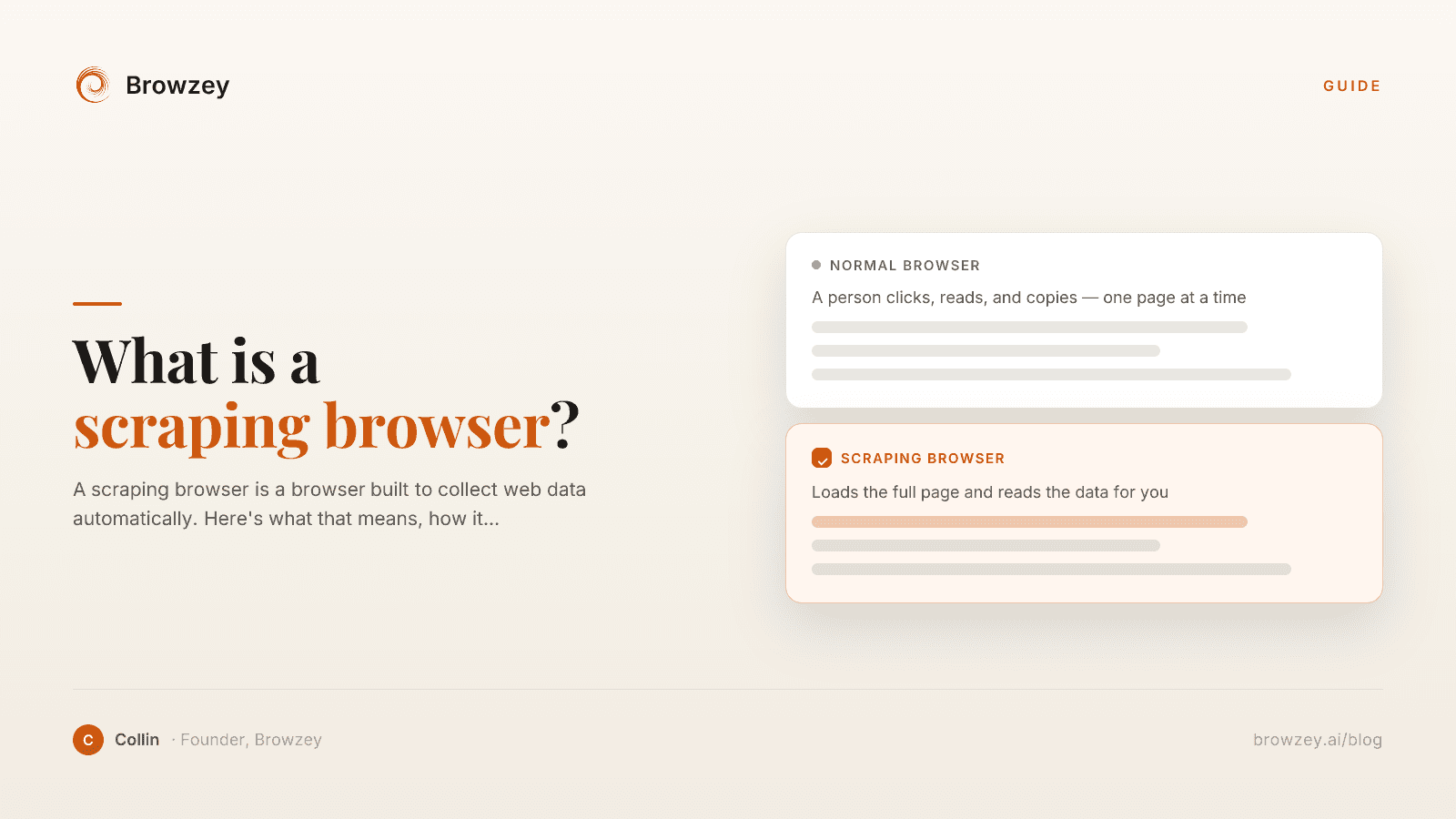
What Is a Scraping Browser? A Plain-English Guide
A scraping browser is a browser built to collect web data automatically. Here's what that means, how it works, and whether you actually need one.
June 20, 2026
The Non-Technical Founder's Guide to Browser Automation in 2026
A non-technical founder's guide to automating competitor monitoring, lead research, and market intelligence with Browzey, Notion, and Slack — no code.
May 1, 2026
On this page
- The Lead Generation Challenge
- Research and Identification
- Contact Discovery
- Data Enrichment
- CRM Entry
- Outreach
- What Can Be Automated
- Highly Automatable
- Partially Automatable
- Still Requires Human Touch
- Automating Lead Research
- Directory Scraping
- Industry Publications
- Competitor Customer Lists
- Automating Contact Discovery
- Website Team Pages
- Email Finding
- LinkedIn Automation
- Automating Data Enrichment
- Company Information
- Contact Information
- Trigger Events
- Automating CRM Entry
- Direct Integration
- Browser Automation
- Building an Automated Lead Gen Workflow
- Phase 1: List Building (Automated)
- Phase 2: Enrichment (Automated)
- Phase 3: Qualification (Semi-Automated)
- Phase 4: Outreach (Semi-Automated)
- Phase 5: Handoff (Manual)
- Tools and Technologies
- For Data Collection
- For Enrichment
- For CRM Integration
- Compliance and Best Practices
- Respect Privacy Regulations
- Data Quality
- Website Policies
- Ethical Outreach
- Measuring Success
- Volume Metrics
- Quality Metrics
- Efficiency Metrics
- ROI Calculation
- Getting Started
- Week 1: Audit
- Week 2: Prioritize
- Week 3-4: Implement
- Month 2+: Scale
- The Future of Lead Generation