How to Automate Data Entry and Save Hours Every Week
Learn practical strategies to automate repetitive data entry tasks. Reduce errors, save time, and free yourself from manual web form work.
 CollinFounder, Browzey7 min read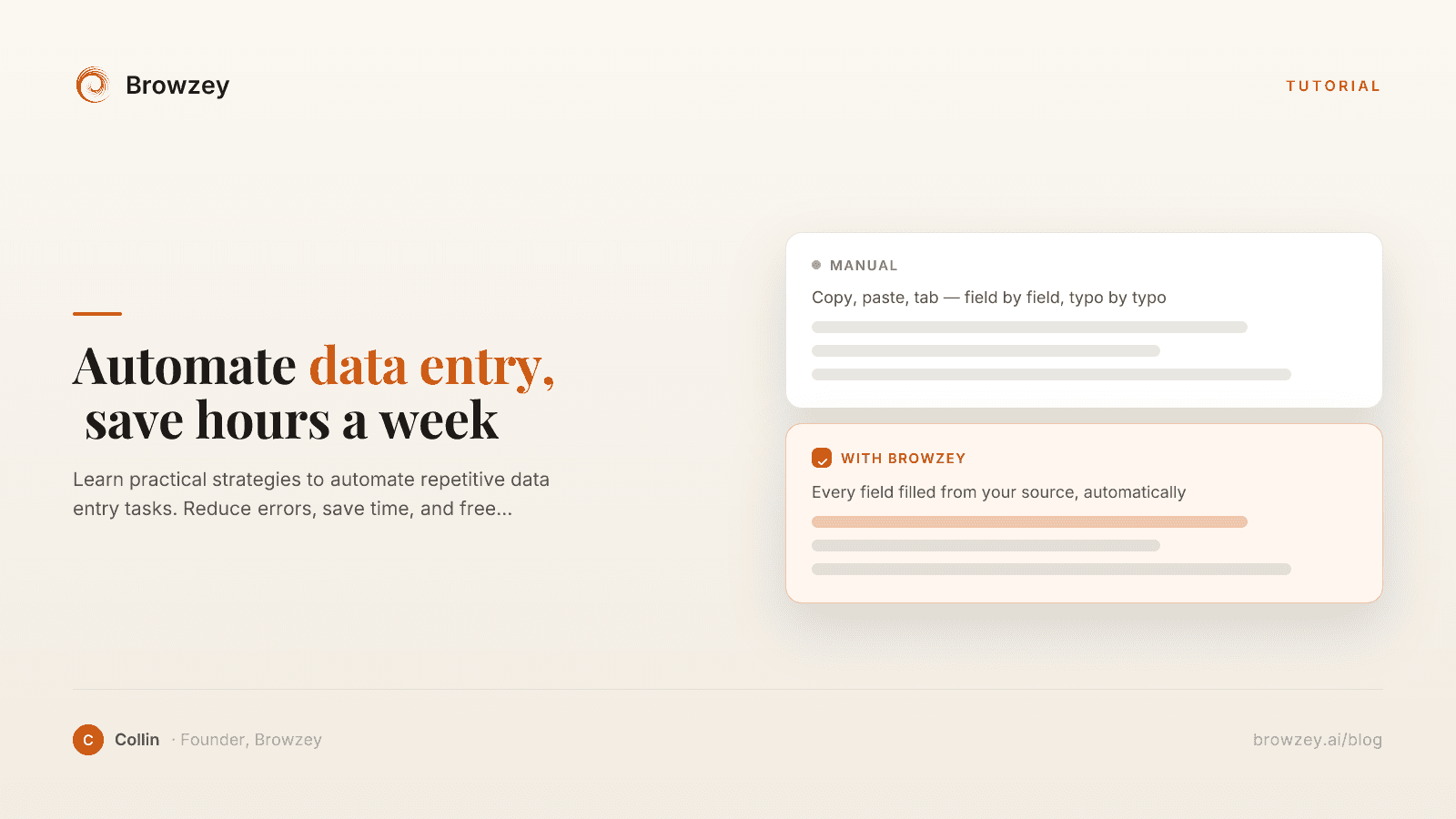
On this page
- The True Cost of Manual Data Entry
- Time
- Errors
- Opportunity Cost
- Employee Satisfaction
- Common Data Entry Scenarios
- CRM Updates
- Financial Data
- E-commerce Operations
- HR and Administration
- Research and Analysis
- Strategies for Automating Data Entry
- Strategy 1: Browser Automation
- Strategy 2: API Integrations
- Strategy 3: Spreadsheet Automation
- Strategy 4: Form Auto-Fill
- Strategy 5: OCR and Document Processing
- Building Your First Data Entry Automation
- Step 1: Audit Your Current Process
- Step 2: Prepare Your Data
- Step 3: Create the Automation
- Step 4: Test with a Small Batch
- Step 5: Scale Up
- Step 6: Measure Results
- Best Practices for Data Entry Automation
- Validate Before Entry
- Handle Errors Gracefully
- Maintain Data Quality
- Document Your Automations
- Plan for Changes
- Common Challenges and Solutions
- Challenge: Dynamic Form Fields
- Challenge: CAPTCHAs and Bot Detection
- Challenge: Slow or Unreliable Websites
- Challenge: Multi-Page Forms
- Calculating Your ROI
- Current State
- With Automation
- Savings
- Getting Started Today
Data entry is one of the most universally hated tasks in the modern workplace. Copying information from one system to another, filling out endless forms, updating records across multiple platforms—it's tedious, error-prone, and consumes hours that could be spent on meaningful work.
The good news? Most data entry can be automated. Here's how to identify opportunities and implement solutions.
The True Cost of Manual Data Entry
Before diving into solutions, let's understand what manual data entry actually costs:
Time
A typical data entry task might take 2-5 minutes per record. Process 50 records daily, and you're spending 2-4 hours just entering data. That's 10-20 hours per week, or 500-1000 hours annually.
Errors
Human data entry has an error rate of approximately 1% even for skilled workers. At 500 entries per day, that's 5 errors daily, 25 weekly, 1,300 annually. Each error creates downstream problems.
Opportunity Cost
Every hour spent on data entry is an hour not spent on:
- Strategic planning
- Customer relationships
- Creative problem-solving
- Business development
Employee Satisfaction
Repetitive work leads to disengagement. Studies consistently show that mundane tasks contribute to burnout and turnover.
Common Data Entry Scenarios
Let's identify the most common data entry situations:
CRM Updates
- Entering new leads from various sources
- Updating contact information
- Logging meeting notes and activities
- Syncing data from email or web forms
Financial Data
- Entering invoices and receipts
- Recording transactions
- Updating budget spreadsheets
- Submitting expense reports
E-commerce Operations
- Adding products to catalogs
- Updating inventory counts
- Processing orders across platforms
- Managing customer information
HR and Administration
- Onboarding paperwork
- Benefits enrollment
- Time tracking submissions
- Compliance documentation
Research and Analysis
- Collecting data from multiple sources
- Entering survey responses
- Compiling competitive intelligence
- Building reference databases
If you need to pull structured data from a webpage right now, our webpage to CSV tool and table extractor can help you get started in seconds.
Strategies for Automating Data Entry
Strategy 1: Browser Automation
When you're entering data into web-based systems, browser automation is your friend. Instead of manually:
- Opening the website
- Navigating to the form
- Filling each field
- Clicking submit
- Repeating for the next record
You can automate the entire sequence. Tools like Browzey let you describe the process in natural language:
"For each row in this spreadsheet, go to the CRM, create a new contact with the name in column A, email in column B, and phone in column C"
The automation handles everything, processing records while you focus elsewhere.
Strategy 2: API Integrations
If your systems support APIs, direct integrations can sync data automatically:
// Example: Sync contacts from one system to another
const contacts = await sourceSystem.getContacts();
for (const contact of contacts) {
  await destinationSystem.createContact({
    name: contact.name,
    email: contact.email,
    phone: contact.phone
  });
}
However, many systems lack APIs or have limited API capabilities. Browser automation fills this gap.
Strategy 3: Spreadsheet Automation
For data that lives in spreadsheets:
- Use formulas to transform and validate data
- Create templates that auto-populate common fields
- Build macros for repetitive formatting
- Connect spreadsheets to other tools via automation platforms
Strategy 4: Form Auto-Fill
For personal data entry (job applications, registrations):
- Use browser password managers for credential fields
- Create text expansion shortcuts for common phrases
- Set up auto-fill profiles for forms
- Use automation tools for bulk form submissions
Strategy 5: OCR and Document Processing
When data exists in PDFs, images, or scanned documents:
- Use OCR to extract text
- Apply parsing rules to structure the data
- Automate the entry of extracted information
- Combine with browser automation for end-to-end processing
Building Your First Data Entry Automation
Let's walk through a practical example: automating the entry of leads from a spreadsheet into a CRM.
Step 1: Audit Your Current Process
Document exactly what you do manually:
- Open the CRM website
- Click "New Contact"
- Enter first name
- Enter last name
- Enter email address
- Enter company name
- Select lead source from dropdown
- Click "Save"
- Repeat for next lead
Note timing: 2 minutes per lead × 50 leads = 100 minutes
Step 2: Prepare Your Data
Ensure your spreadsheet is clean:
- Consistent column headers
- No blank rows
- Valid email formats
- Matching values for dropdowns
Step 3: Create the Automation
With browser automation tools, describe your workflow. The tool will:
- Read data from your spreadsheet
- Navigate the CRM interface
- Fill each field with corresponding data
- Handle form submission
- Move to the next record
Step 4: Test with a Small Batch
Run your automation on 5-10 records first:
- Verify data is entered correctly
- Check for any errors or edge cases
- Confirm the process completes successfully
Step 5: Scale Up
Once validated, run the full batch. Monitor the first few executions, then let it run unattended.
Step 6: Measure Results
Compare before and after:
- Time spent: 100 minutes → 5 minutes
- Errors: 2-3 per batch → 0
- Your involvement: Constant → Setup only
Best Practices for Data Entry Automation
Validate Before Entry
Build validation into your process:
- Check required fields aren't empty
- Verify email formats
- Confirm values match expected options
- Catch errors before they enter your systems
Handle Errors Gracefully
Your automation should:
- Log which records succeeded and failed
- Provide clear error messages
- Allow retry of failed records
- Not stop completely on single failures
Maintain Data Quality
Automation is only as good as your source data:
- Clean your input data before processing
- Standardize formats (dates, phone numbers, addresses)
- Remove duplicates beforehand
- Keep source files organized
Document Your Automations
For each automation, record:
- What it does
- Where source data comes from
- What systems it updates
- How to run it
- What to do if it fails
Plan for Changes
Websites and systems change. Your automation should:
- Be easy to update
- Alert you when something breaks
- Use flexible element identification (AI-powered tools help here)
Common Challenges and Solutions
Challenge: Dynamic Form Fields
Some forms show different fields based on previous selections.
Solution: AI-powered automation can adapt to dynamic interfaces, making decisions based on what appears on screen.
Challenge: CAPTCHAs and Bot Detection
Some sites actively block automation.
Solution: Use browser automation that mimics human behavior. For critical systems, explore whether API access is available.
Challenge: Slow or Unreliable Websites
Network issues and slow pages can break automation.
Solution: Build in wait times and retry logic. Good automation tools handle this automatically.
Challenge: Multi-Page Forms
Long forms spread across multiple pages are complex to automate.
Solution: Break into steps and ensure proper navigation between pages. Test thoroughly before bulk runs.
Calculating Your ROI
Let's do the math on automation investment:
Current State
- Time per entry: 3 minutes
- Entries per week: 200
- Weekly time: 10 hours
- Hourly cost (including overhead): $40
- Weekly cost: $400
- Annual cost: $20,800
With Automation
- Setup time: 2 hours
- Maintenance per month: 30 minutes
- Annual time: 8 hours
- Annual cost: $320
Savings
- Time saved: 512 hours annually
- Cost saved: $20,480 annually
- ROI: 6,400%
Even if your numbers are smaller, the return is almost always positive.
Getting Started Today
You don't need to automate everything at once. Start here:
-
Identify your biggest time sink - What data entry task consumes the most hours?
-
Document the process - Write out each step you currently take manually
-
Choose an automation approach - Browser automation, API integration, or spreadsheet formulas
-
Start small - Automate one task before expanding
-
Iterate - Improve your automation based on real-world results
Ready to stop wasting time on data entry? Browzey makes browser automation accessible to everyone. Describe your data entry task in plain English, and watch hours of manual work disappear.
Recommended Tools
Further reading

How to Export YouTube Channel Data for Content Strategy (2026)
Extract YouTube channel data at scale with Browzey's free scraper. Bulk-export 20+ competitor channels to CSV for content strategy and benchmarking.
May 1, 2026
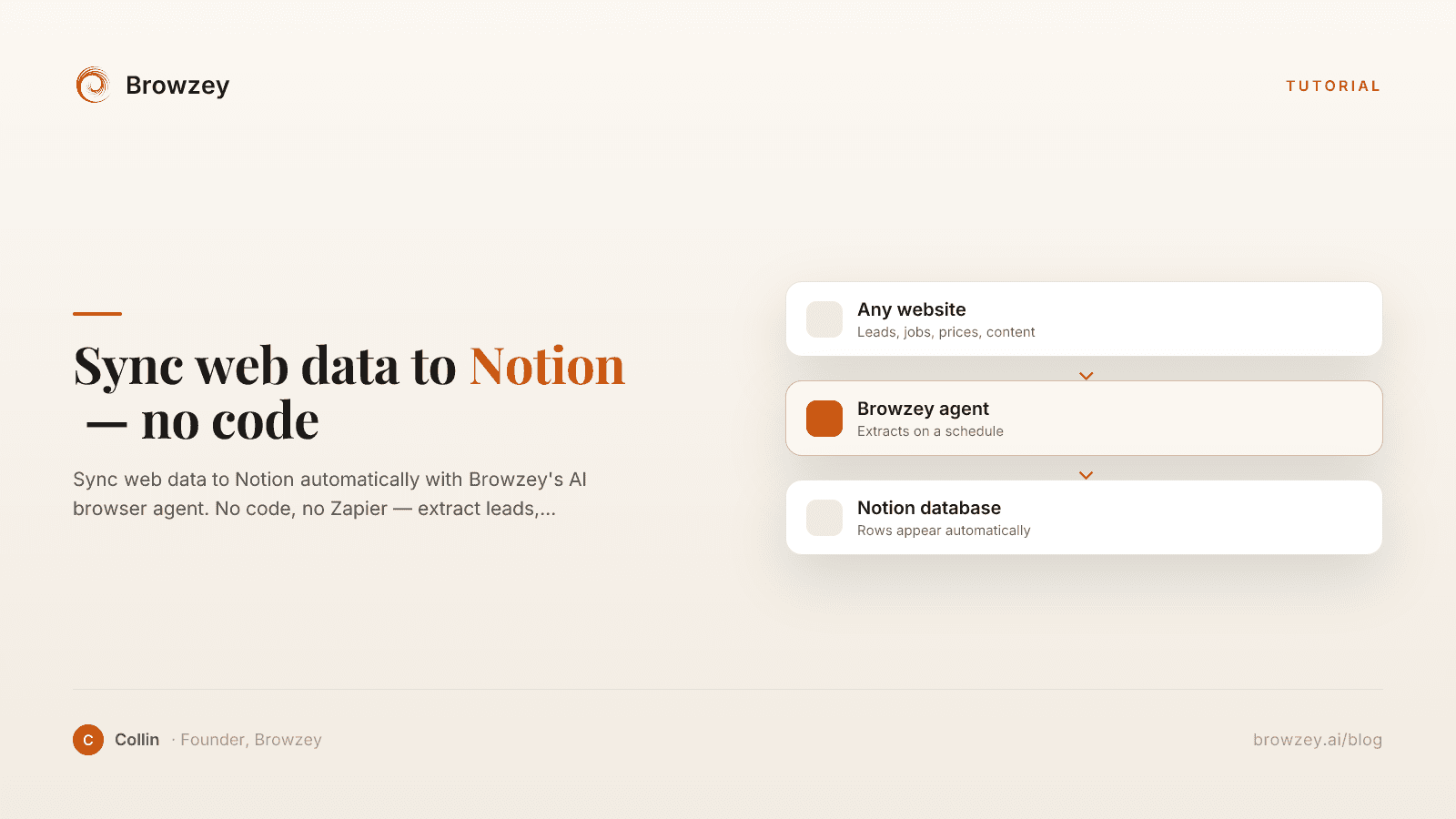
How to Sync Web Data to Notion Automatically (Without Any Code)
Sync web data to Notion automatically with Browzey's AI browser agent. No code, no Zapier — extract leads, jobs, prices, and content into your Notion database.
April 25, 2026
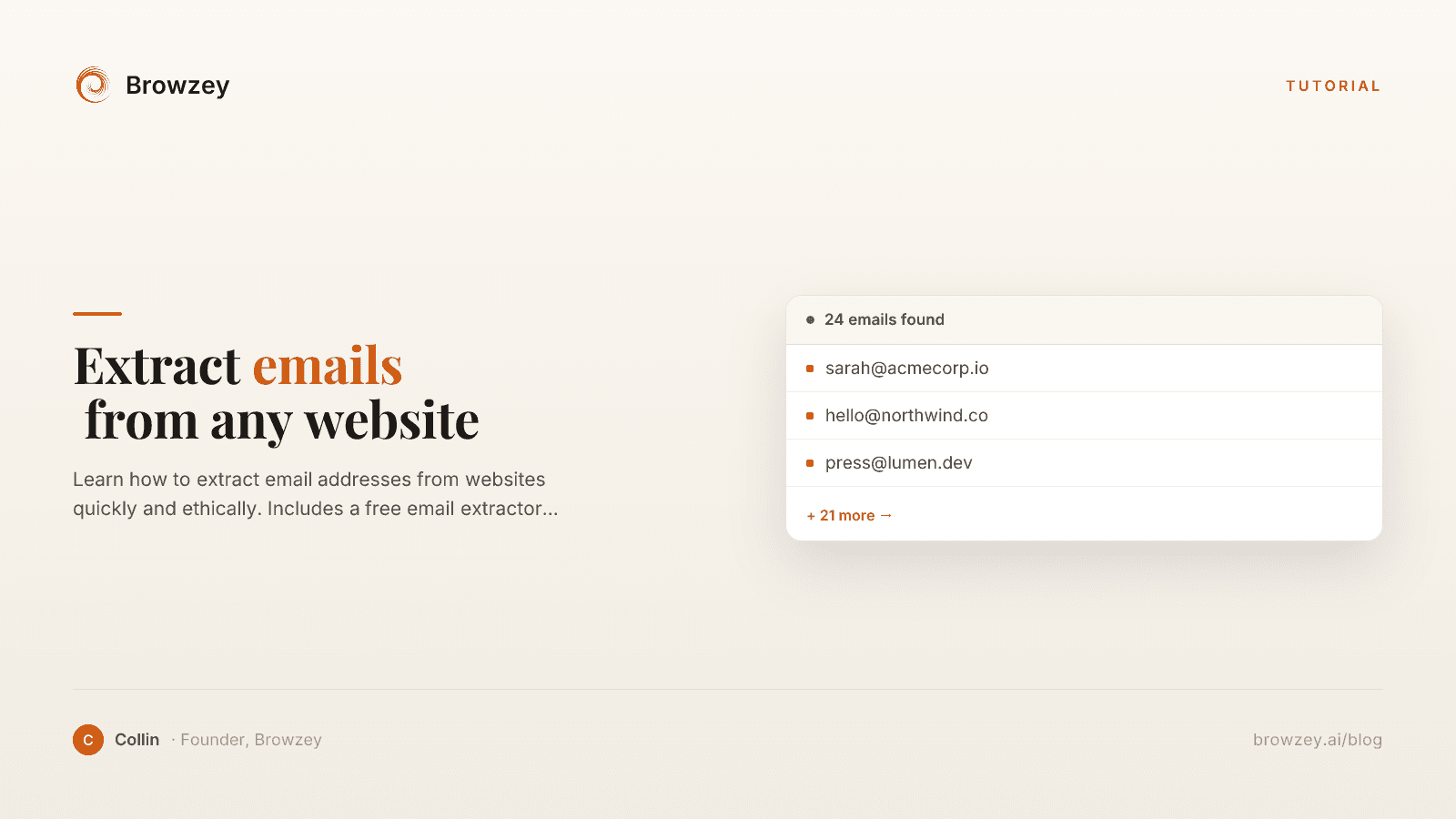
How to Extract Emails from Any Website
Learn how to extract email addresses from websites quickly and ethically. Includes a free email extractor tool and best practices for compliance.
January 24, 2025
On this page
- The True Cost of Manual Data Entry
- Time
- Errors
- Opportunity Cost
- Employee Satisfaction
- Common Data Entry Scenarios
- CRM Updates
- Financial Data
- E-commerce Operations
- HR and Administration
- Research and Analysis
- Strategies for Automating Data Entry
- Strategy 1: Browser Automation
- Strategy 2: API Integrations
- Strategy 3: Spreadsheet Automation
- Strategy 4: Form Auto-Fill
- Strategy 5: OCR and Document Processing
- Building Your First Data Entry Automation
- Step 1: Audit Your Current Process
- Step 2: Prepare Your Data
- Step 3: Create the Automation
- Step 4: Test with a Small Batch
- Step 5: Scale Up
- Step 6: Measure Results
- Best Practices for Data Entry Automation
- Validate Before Entry
- Handle Errors Gracefully
- Maintain Data Quality
- Document Your Automations
- Plan for Changes
- Common Challenges and Solutions
- Challenge: Dynamic Form Fields
- Challenge: CAPTCHAs and Bot Detection
- Challenge: Slow or Unreliable Websites
- Challenge: Multi-Page Forms
- Calculating Your ROI
- Current State
- With Automation
- Savings
- Getting Started Today