Introducing Browzey: AI Website Automation
Meet Browzey, the AI-powered browser automation platform that lets you automate any website using simple English instructions. No coding required.
 CollinFounder, Browzey5 min read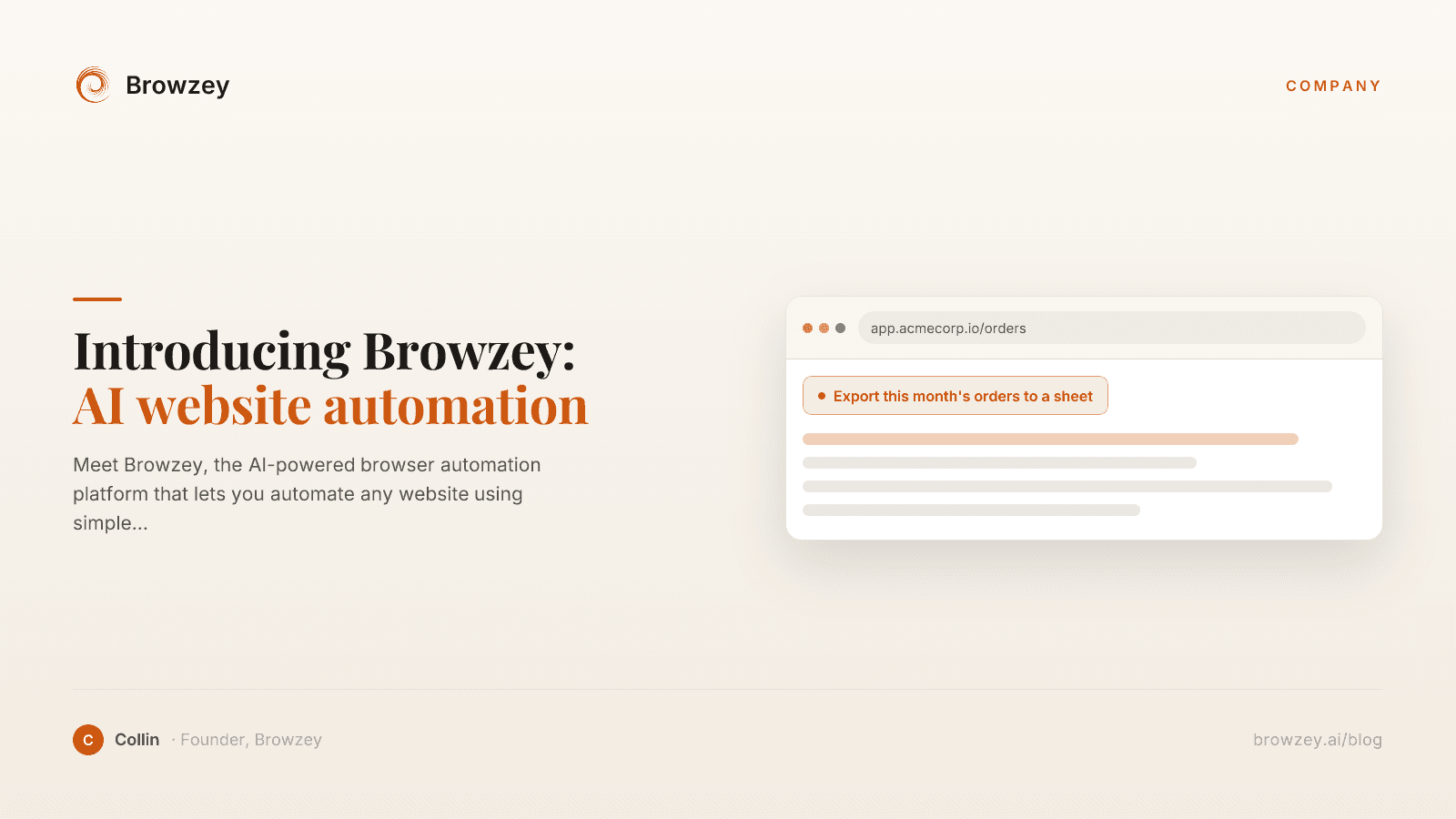
On this page
- The Problem We're Solving
- How Browzey Works
- Describe Your Task
- Watch It Execute
- Get Your Results
- Key Features
- Natural Language Instructions
- Works on Any Website
- Handles Dynamic Content
- Intelligent Error Handling
- Secure by Design
- Use Cases
- Sales and Marketing
- Operations
- Finance
- Research
- Personal Productivity
- Why We Built Browzey
- Getting Started
- 1. Sign Up
- 2. Describe Your First Task
- 3. Run and Watch
- 4. Save and Reuse
- Free Tools
- What's Next
- Join Us
We're excited to introduce Browzey—a new way to automate browser tasks using the power of AI. Instead of writing code or building complex workflows, you simply describe what you want to do in plain English, and Browzey handles the rest.
The Problem We're Solving
Every day, millions of professionals spend hours on repetitive browser tasks:
- Copying data between websites and spreadsheets
- Filling out the same forms over and over
- Downloading reports from multiple platforms
- Researching information across dozens of sites
- Managing social media across platforms
These tasks are mind-numbing, error-prone, and a massive drain on productivity. Traditional automation tools exist, but they require programming skills or complex setup. That leaves most people stuck doing things manually.
We built Browzey to change that.
How Browzey Works
Browzey combines browser automation technology with advanced AI to create something genuinely new: automation that understands intent.
Describe Your Task
Instead of writing code like this:
await page.goto('https://example.com/login');
await page.fill('#username', 'user@email.com');
await page.fill('#password', 'mypassword');
await page.click('button[type="submit"]');
await page.waitForNavigation();
await page.click('.reports-menu');
await page.click('.download-csv');
You simply write:
"Log into my account on example.com, go to the reports section, and download the latest report as a CSV"
That's it. Browzey understands what you want and figures out how to do it.
Watch It Execute
Browzey launches a browser and performs your task step by step. You can watch in real-time as it navigates pages, fills forms, clicks buttons, and extracts data—just like a human would, but faster and without errors.
Get Your Results
When the task completes, you get exactly what you asked for—downloaded files, extracted data, confirmation of completed actions, or whatever your workflow requires.
Key Features
Natural Language Instructions
No programming languages to learn. No complex interfaces to navigate. If you can describe what you want in English, Browzey can do it.
Works on Any Website
Browzey isn't limited to specific integrations or supported platforms. It works with any website—your company's internal tools, government portals, niche industry platforms, or popular SaaS applications.
Handles Dynamic Content
Modern websites use JavaScript frameworks, single-page applications, and dynamic loading. Browzey's browser automation handles all of this automatically.
Intelligent Error Handling
When something unexpected happens—a popup appears, a page layout changes, an element takes time to load—Browzey adapts. It doesn't just fail with a cryptic error; it tries to accomplish your goal using alternative approaches.
Secure by Design
Your credentials and data stay under your control. Browzey processes tasks in isolated browser environments and doesn't store sensitive information.
Use Cases
Browzey is versatile. Here are some ways teams are using it:
Sales and Marketing
- Extract leads from directories and websites
- Research prospects and enrich CRM data
- Monitor competitor pricing and offerings
- Automate social media posting
Operations
- Download reports from multiple dashboards
- Sync data between systems that don't integrate
- Process bulk form submissions
- Update inventory across platforms
Finance
- Download bank statements and invoices
- Submit expense reports
- Gather financial data for analysis
- Automate compliance reporting
Research
- Collect data from multiple sources
- Monitor websites for changes
- Archive web content
- Aggregate information for analysis
Personal Productivity
- Apply to jobs across platforms
- Track prices and deals
- Manage multiple accounts
- Automate repetitive personal tasks
Why We Built Browzey
The browser is where work happens. Email, CRM, analytics, project management, communication—it all lives in browser tabs. But despite being central to how we work, the browser remains stubbornly manual.
We've watched as AI transforms creative work, customer service, and software development. Yet most professionals still spend hours every week on tasks a computer could easily handle—if only the computer understood what they wanted.
That gap between human intent and computer execution is exactly what AI can bridge. With large language models that understand natural language and visual models that can interpret web pages, we finally have the technology to make browser automation accessible to everyone.
Browzey is our answer to a simple question: What if you could just tell your browser what to do?
Getting Started
Getting started with Browzey is simple:
1. Sign Up
Create your free account at browzey.ai.
2. Describe Your First Task
Think of something you do repeatedly in your browser. Write a clear description of the task.
3. Run and Watch
Execute your task and watch Browzey work. Refine your instructions based on the results.
4. Save and Reuse
Save successful automations to run again whenever you need them.
Free Tools
While you explore Browzey, we also offer free standalone tools for common tasks:
- Email Extractor - Pull email addresses from any webpage
- Webpage to Markdown - Convert web content to clean markdown
- Canonical Tag Checker - Verify your SEO canonical tags
- Meta Tag Analyzer - Analyze any page's SEO meta tags
These tools give you a taste of what browser automation can do—completely free.
What's Next
We're just getting started. On our roadmap:
- Scheduled automations - Set tasks to run automatically on a schedule
- Team collaboration - Share and build on each other's automations
- Integrations - Connect with your favorite tools (Notion, Slack, Google Sheets, and more)
- Advanced workflows - Chain multiple tasks into complex automations
Join Us
We believe everyone should be able to automate their browser tasks, not just developers. Browzey is our contribution to making that possible.
Whether you're drowning in data entry, spending hours on research, or just tired of repetitive clicking, we'd love to help.
Have questions? Ideas? Feedback? Reach out—we're building this for you, and your input shapes what Browzey becomes.
Browzey: Stop clicking. Start automating.
Recommended Tools
On this page
- The Problem We're Solving
- How Browzey Works
- Describe Your Task
- Watch It Execute
- Get Your Results
- Key Features
- Natural Language Instructions
- Works on Any Website
- Handles Dynamic Content
- Intelligent Error Handling
- Secure by Design
- Use Cases
- Sales and Marketing
- Operations
- Finance
- Research
- Personal Productivity
- Why We Built Browzey
- Getting Started
- 1. Sign Up
- 2. Describe Your First Task
- 3. Run and Watch
- 4. Save and Reuse
- Free Tools
- What's Next
- Join Us